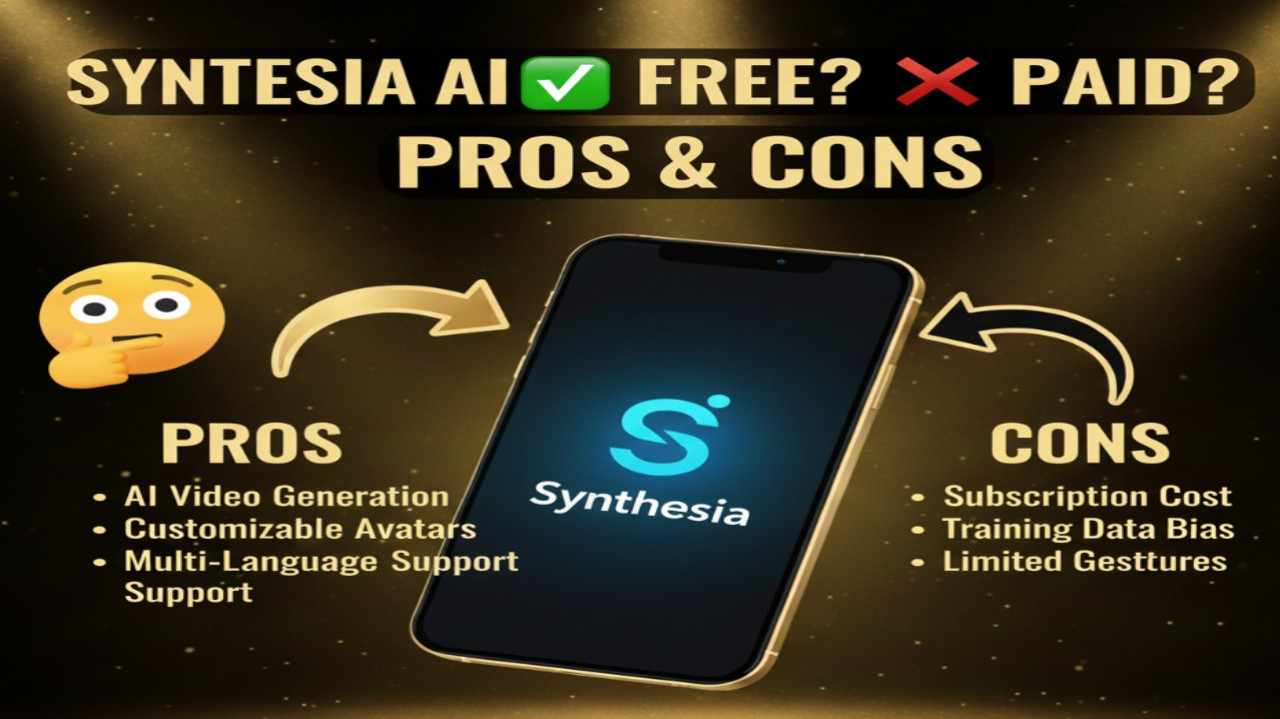
Synthesia AI is a leading AI video creation platform that lets users generate professional-looking videos featuring realistic digital avatars that speak your script with natural lip-sync and voiceovers. You simply type (or paste) a script, choose from hundreds of diverse AI avatars, select backgrounds/templates, add elements like screen recordings or brand assets, and the tool produces polished videos in minutes—supporting 140+ languages and accents.
It’s widely used for training videos, marketing explainers, internal communications, e-learning modules, product demos, and personalized outreach, eliminating the need for cameras, actors, lighting, or traditional editing while delivering consistent, scalable content.
Is Synthesia AI Free or Paid?
Synthesia AI offers a free plan that allows limited video creation (typically a few minutes per month) with basic avatars and core features—no credit card required for starting. This tier is great for testing workflows, creating short test videos, or small personal projects. Paid plans provide significantly more video minutes, access to premium avatars (including custom/personal ones), higher resolutions, advanced customization (interactive elements, dubbing), team collaboration, priority support, and commercial licensing—essential for regular business use, larger teams, or professional-grade output.
Synthesia AI Pricing
Synthesia AI uses a credit-based system tied to video minutes (credits roughly equate to minutes of generated video or dubbing). Plans scale by minutes allowance, avatar library size, team seats, and extras. Annual billing saves substantially (often 30–40%).
| Plan Name | Price (Monthly / Yearly) | Main Features | Best For |
|---|---|---|---|
| Free / Basic | $0 / $0 | Limited video minutes (e.g., 3–10 min/month), 6–9 stock avatars, basic templates/voices, watermarked outputs possible | Beginners, individuals testing the platform, small personal or trial projects |
| Starter | $29/month / ~$18/month (billed yearly, ~38% savings) | 10–120 minutes/year, 90–125+ avatars, no watermark, AI dubbing, screen recorder, basic team access | Small teams, freelancers, or growing creators needing consistent short videos |
| Creator | $89/month / ~$64/month (billed yearly) | 360 minutes/year, 180+ avatars, custom/personal avatars, interactive videos, priority support, API access | Content creators, marketers, educators, or mid-size teams producing frequent polished content |
| Enterprise | Custom / Contact sales | Unlimited minutes, full customization, dedicated support, advanced security/compliance, team workspaces | Large organizations, enterprises, or agencies requiring scalable, branded video at volume |
Also Read-OpenRouter AI Free, Alternative, Pricing, Pros and Cons
Synthesia AI Alternatives
Synthesia AI leads in realistic avatars and ease for corporate/training videos, but alternatives provide different strengths in cost, avatar quality, editing depth, or specialized use cases.
| Alternative Tool Name | Free or Paid | Key Feature | How it Compares to Synthesia AI |
|---|---|---|---|
| HeyGen | Free tier / Paid (~$29+/month) | Ultra-realistic avatars, emotional expression control, multilingual lip-sync | Often more lifelike avatars and better facial nuance; Synthesia AI stronger in enterprise compliance and template variety |
| Colossyan | Paid (~$19+/month) | Strong training/employee onboarding focus, age/emotion adjustments, ChatGPT script integration | Excellent for L&D content with adaptive avatars; Synthesia AI offers broader language support and interactive elements |
| Elai.io | Free trial / Paid (~$23+/month) | Custom avatars from photos, article-to-video, voice cloning | Good for personalized or blog-to-video conversion; Synthesia AI provides more polished corporate templates |
| Hour One | Paid (enterprise-focused) | High-security avatars, diverse ethnic options, secure workflows | Better for regulated industries needing compliance; Synthesia AI more affordable and accessible for smaller teams |
| DeepBrain AI | Paid (~$24+/month) | Photorealistic avatars, real-time streaming support | Strong for live-like interactions; Synthesia AI edges out in ease of use and vast pre-built templates |
Synthesia AI Pros and Cons
Synthesia AI streamlines professional video production with impressive realism, though limitations in free access and customization exist.
Pros
- Extremely realistic AI avatars with natural lip-sync and gestures across 140+ languages/accents.
- Intuitive text-to-video workflow—type a script and get a polished video in minutes without filming.
- Vast library of templates, backgrounds, and voices for quick, on-brand corporate/training content.
- Strong enterprise features like team collaboration, custom avatars, interactive videos, and compliance tools.
- Free plan lets you create real (limited) videos to evaluate quality before committing.
Cons
- Free/Basic plan severely limits minutes and avatars, making it more of a trial than ongoing solution.
- Video minutes can deplete quickly for longer content, requiring higher plans for regular production.
- Custom/personal avatars often carry extra costs (e.g., $1000+/year in some cases).
- Output can feel “corporate” or templated—less creative flexibility for artistic or highly stylized videos.
- Higher-tier pricing may feel steep for solo creators compared to some competitors.