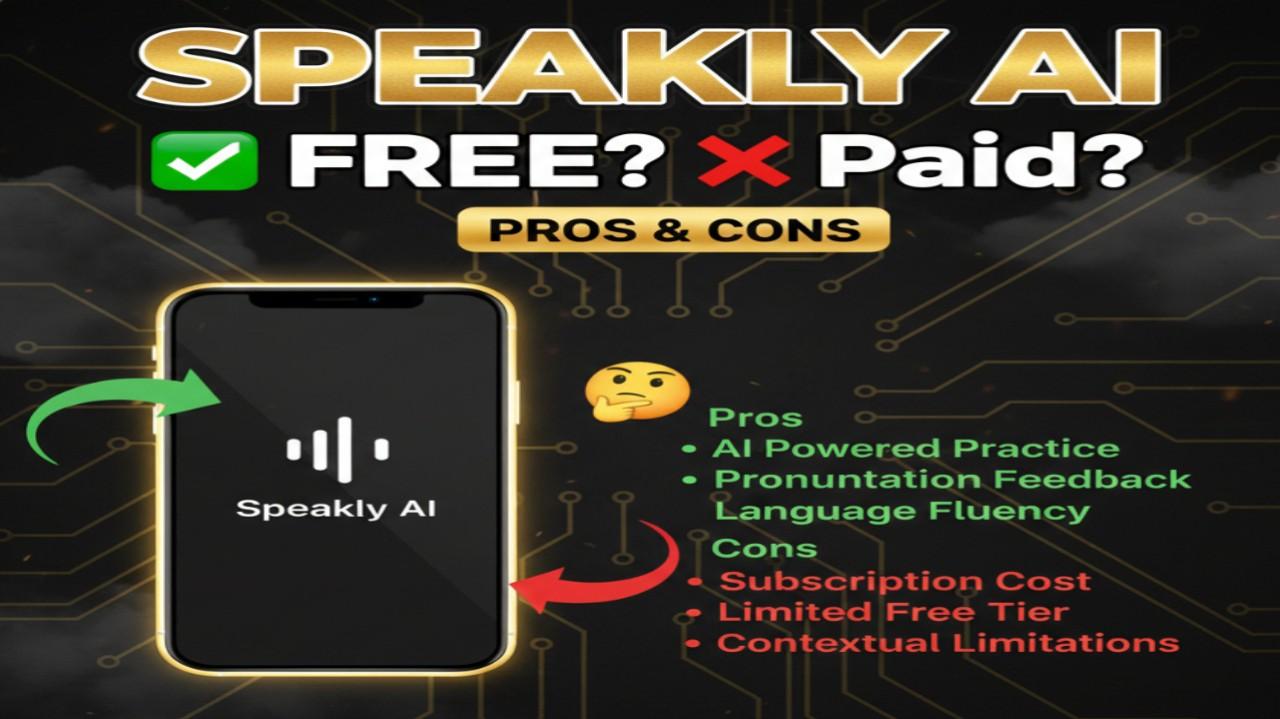
Speakly AI is an innovative AI-powered voice-to-text dictation tool developed by Genspark. It transforms spoken words into clear, polished text in real time across any application on your desktop. Available for Mac and Windows (with mobile versions in development), Speakly AI lets users dictate messages, emails, documents, notes, or content hands-free while the AI automatically edits for grammar, clarity, tone, and structure.
Is Speakly AI Free or Paid?
Speaklly AI operates on a freemium model. The core voice dictation and basic AI editing features are completely free to use with no strict time or usage limits mentioned in current public info. Premium upgrades unlock advanced capabilities like higher-priority processing, unlimited advanced edits, additional AI agent integrations, and priority support. This approach makes Speakly AI accessible for casual users while offering enhanced performance for heavy or professional use.
Speakly AI Pricing
Speaklly AI keeps pricing straightforward and user-friendly. Here’s the current structure based on available details:
| Plan Name | Price (Monthly / Yearly) | Main Features | Best For |
|---|---|---|---|
| Free | $0 / $0 | Unlimited basic dictation, AI editing & polishing, 50+ languages, works in any app | Casual users, light dictation needs, trying the tool |
| Premium | ~$9–$15 /month (or discounted annual) | Advanced real-time edits, translation priority, AI agent triggers, faster processing, priority support | Heavy users, content creators, professionals needing polished output fast |
| Pro / Teams | Custom / enterprise quote | Team collaboration, custom vocabularies, higher limits, dedicated support | Businesses, teams, power users with advanced workflow needs |
Also Read-Genially Free, Alternative, Pricing, Pros and Cons
Best Alternatives to Speakly AI
Several strong voice-to-text and dictation tools compete in this space. Here’s a comparison:
| Alternative Tool Name | Free or Paid | Key Feature | How it compares to Speakly AI |
|---|---|---|---|
| Otter.ai | Freemium (paid upgrades) | Real-time transcription with speaker ID and collaboration | Excellent for meetings and interviews with search/export; more meeting-focused than universal app dictation like Speakly AI |
| Dragon by Nuance | Paid (one-time or subscription) | Highly accurate professional dictation, custom vocab | Industry-leading accuracy for medical/legal; desktop-heavy and more expensive vs. Speakly AI’s lightweight, cross-app approach |
| Google Docs Voice Typing | Free | Built-in speech-to-text in Google ecosystem | Simple and free but limited to Google apps; lacks AI polishing/editing that Speakly AI provides across any software |
| Microsoft Dictate (in Office) | Free with Microsoft 365 | Integrated dictation in Word/Outlook | Solid for Office users; good accuracy but no advanced AI rewriting or multi-language polish compared to Speakly AI |
| Whisper-based tools (e.g., MacWhisper) | Free/open-source | Offline, local processing with OpenAI Whisper | Privacy-focused and no internet needed; requires setup and lacks Speakly AI’s seamless in-app integration and auto-editing |
Pros and Cons of Speakly AI
Pros:
- Works system-wide in any app or website—no switching contexts needed
- AI automatically polishes text for grammar, clarity, and professionalism in real time
- Impressive speed—claimed 4x faster than manual typing for most users
- Supports dictation in 50+ languages with built-in translation capabilities
- Completely free core version with generous usage for everyday needs
- Hands-free control including triggering AI agents or actions by voice
- Clean, modern interface with low system resource usage on Mac/Windows
- Great for emails, content creation, note-taking, or multilingual work
Cons:
- Mobile apps (iOS/Android) still in development, limiting on-the-go use
- Advanced features like priority processing require paid upgrade
- Accuracy can vary with strong accents, heavy background noise, or specialized vocabulary (though improving)
- Relies on internet connection for full AI editing and cloud features
- Newer tool, so community resources, tutorials, and integrations are still growing
- No offline mode for core AI-powered editing