Proactor AI is a groundbreaking proactive AI assistant and meeting notetaker that goes beyond traditional transcription tools. Unlike reactive apps that only respond to commands, Proactor AI actively listens in real time during calls, meetings, lectures, or voice memos—transcribing speech accurately, generating smart summaries, extracting action items, suggesting insights, and even offering context-aware advice without being prompted.
Is Proactor AI Free or Paid?
Proactor AI follows a freemium model. A generous free tier lets users access core transcription, basic summaries, and limited proactive features to get started without cost. Paid plans unlock higher usage limits, full real-time AI advice, more AI credits for advanced processing, team collaboration, and priority support—making it scalable for individuals, growing teams, or enterprises that rely on frequent meetings and deep insights.
Proactor AI Pricing Details
Proactor AI offers clear tiers focused on transcription minutes and AI credits (used for proactive suggestions, summaries, and advanced features). Here’s the current breakdown:
| Plan Name | Price (Monthly / Yearly) | Main Features | Best For |
|---|---|---|---|
| Free | $0 / $0 | 60 minutes transcription/month, 200 AI credits, basic summaries & notes, limited proactive advice | Testing the tool, light users, occasional meetings or lectures |
| Pro | $19.99 / $15.99 (billed annually) | 1,350 transcription minutes/month, 3,400 AI credits, full real-time AI advice & insights, task tracking, cross-session memory | Individual professionals, freelancers, students needing unlimited proactive support |
| Business | $49.99 / $39.99 (billed annually) | 3,600 transcription minutes/month, higher AI credits, team sharing & collaboration, advanced integrations, priority support | Teams, sales departments, agencies, or organizations with frequent group calls |
Also Read-Poe AI Free, Alternative, Pricing, Pros and Cons
Proactor AI Alternatives
If Proactor AI‘s proactive approach doesn’t fully match your needs, consider these popular alternatives in the AI meeting assistant and transcription space:
| Alternative Tool Name | Free or Paid | Key Feature | How it compares to Proactor AI |
|---|---|---|---|
| Otter.ai | Freemium | Real-time transcription with speaker identification & searchable notes | Strong collaboration and search; more reactive (waits for input) vs. Proactor AI‘s anticipatory insights and task suggestions |
| Fireflies.ai | Freemium (paid upgrades) | Auto-joins meetings, summaries, action items, CRM integrations | Excellent automation for sales teams; less emphasis on unprompted real-time advice compared to Proactor AI‘s proactive teammate style |
| Fathom | Freemium | Highlight reels, instant summaries, clip sharing | Fast and visual summaries; great for quick recaps but lacks Proactor AI‘s deep context recall and live proactive suggestions |
| tl;dv | Freemium | Meeting recording, timestamps, AI insights & translations | Solid for async teams with timestamps; more focused on playback than Proactor AI‘s active, anticipatory intelligence during calls |
| Sembly AI | Paid | Agenda tracking, decision logging, multi-language support | Good for structured meetings; strong analytics but generally more passive than Proactor AI‘s forward-thinking, prompt-free assistance |
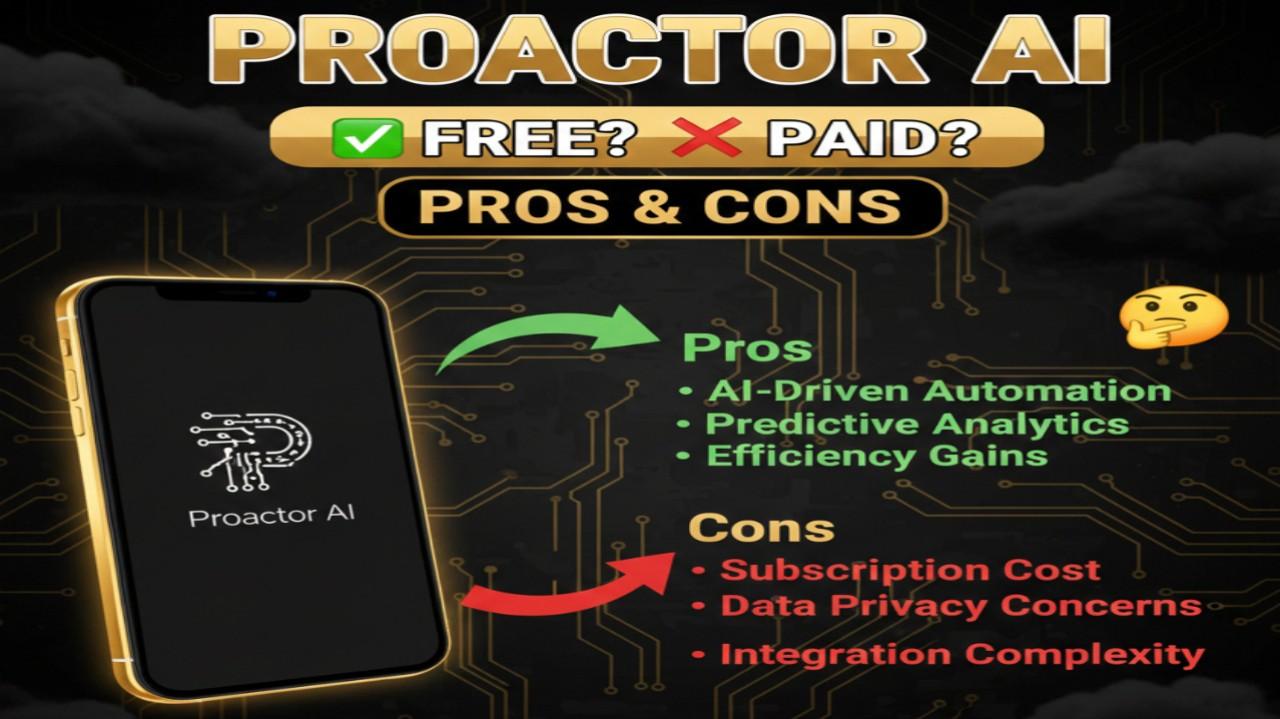
Proactor AI Pros and Cons
Pros:
- Truly proactive—delivers real-time insights, suggestions, and task logging without needing prompts or manual triggers
- High-accuracy live transcription plus intelligent summaries, action items, and context-aware advice drawn from conversation flow
- Remembers past sessions for continuity, making it feel like a consistent teammate rather than a one-off tool
- Works across meetings (Zoom, Meet, etc.), voice memos, lectures, or calls with seamless integration
- Encrypted data sync across devices for privacy and accessibility
- Helps reduce post-meeting work by auto-generating notes, tasks, and follow-ups
- Versatile for sales (deal-closing tips), education (lecture recaps), brainstorming, or personal productivity
- Free tier is usable for light needs, with clear value in paid plans for heavier users
Cons:
- Free plan limits (60 minutes/month and 200 AI credits) may run out quickly for frequent meeting users
- Relies on good audio quality—background noise or accents can occasionally affect transcription precision
- Proactive features shine most in English; multi-language support is available but may vary in depth
- Still relatively new, so integrations and advanced team features are expanding but not as mature as some competitors
- Requires internet for real-time processing and cloud syncing (no full offline mode)
- AI advice, while helpful, may need occasional review to ensure alignment with specific contexts or preferences