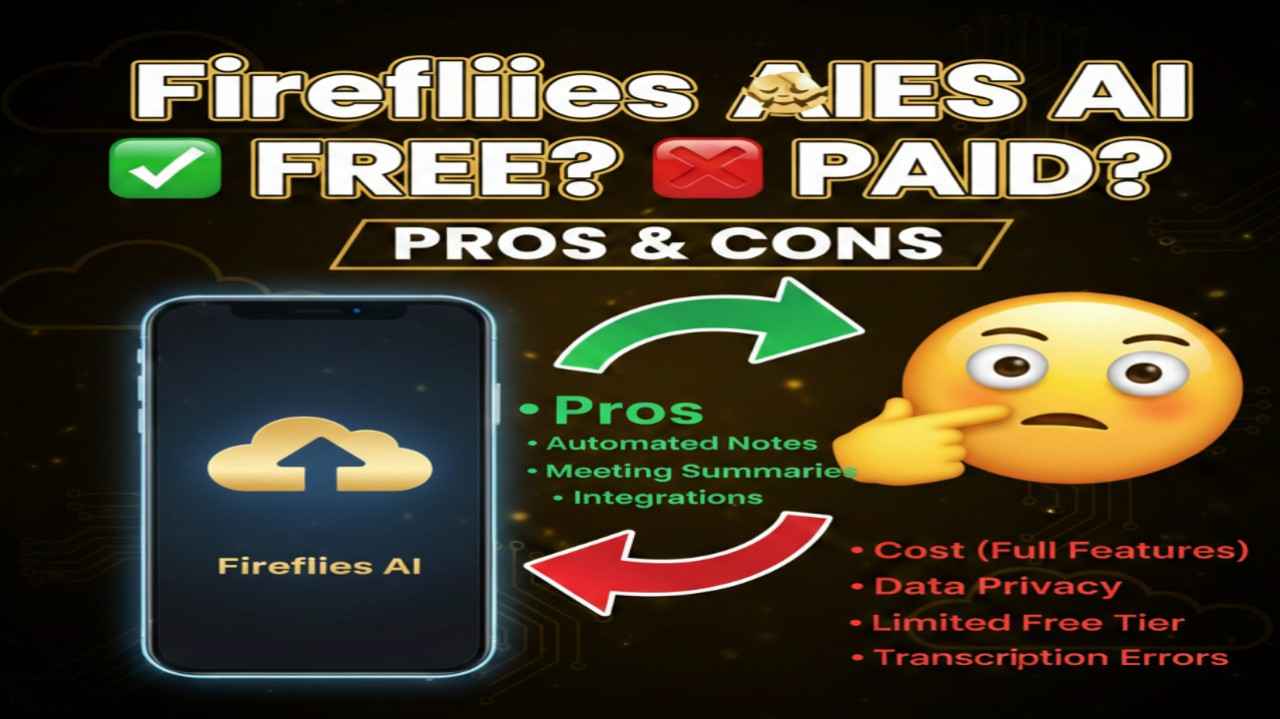
Fireflies AI is an intelligent AI-powered meeting assistant that automatically joins video calls, records audio, transcribes conversations in real time, generates smart summaries, extracts action items, and organizes notes. It integrates seamlessly with popular platforms like Zoom, Google Meet, Microsoft Teams, and more, while also supporting CRM tools, calendars, and collaboration apps to help teams save time, stay organized, and focus on discussions rather than note-taking.
Is Fireflies AI Free or Paid?
Fireflies AI offers both free and paid options. The Free plan provides basic access to core transcription and note-taking features with some limitations on storage, AI usage, and advanced capabilities. Paid plans unlock unlimited transcription, more storage, video recording, deeper integrations, analytics, and priority support, making them suitable for regular professional or team use.
Fireflies AI Pricing Details
Fireflies AI uses a tiered pricing model with per-seat costs, offering significant savings on annual billing.
| Plan Name | Price (Monthly / Yearly) | Main Features | Best For |
|---|---|---|---|
| Free | $0 | Limited transcription (e.g., 800 mins storage), basic AI summaries (limited credits), core integrations, audio-only recording | Individuals testing the tool or light personal use |
| Pro | $18 per seat / $10 per seat (billed annually) | Unlimited transcription (fair use), AI summaries, 8,000 mins storage, advanced search, limited CRM access | Professionals, freelancers, small teams needing reliable notes without heavy limits |
| Business | $29 per seat / $19 per seat (billed annually) | Unlimited transcription & storage, video recording, full CRM integrations, conversation intelligence, team collaboration | Growing businesses and sales/marketing teams requiring analytics and team features |
| Enterprise | $39 per seat (billed annually) / Custom | Everything in Business + SSO, custom data retention, advanced security, dedicated support, volume options | Large organizations with compliance needs and high-volume meeting workflows |
Also Read-Clippie AI Free, Alternative, Pricing, Pros and Cons
Fireflies AI Alternatives
If Fireflies AI doesn’t fully match your needs—whether due to pricing, privacy, bot requirements, or specific features—here are strong competitors in the AI meeting notes and transcription space:
| Alternative Tool Name | Free or Paid | Key Feature | How it compares to Fireflies AI |
|---|---|---|---|
| Otter.ai | Freemium (paid from ~$17/user/mo) | Live transcription, real-time collaboration, speaker ID | Stronger on live captions and collaboration; similar pricing but often praised for accuracy in noisy environments |
| tl;dv | Freemium (generous free tier) | Unlimited video recording & clips, async sharing | Better free video features; less bot-heavy, focuses on highlight reels vs full analytics |
| Fellow | Freemium / Paid plans | Agenda building + AI notes, action item tracking | More emphasis on pre/post-meeting workflows and team productivity beyond just transcription |
| Avoma | Paid (from ~$29/user/mo) | Revenue intelligence, call scoring, coaching insights | Deeper sales-focused analytics; stronger for revenue teams but higher cost |
| MeetGeek | Freemium / Paid | Automatic insights, topic tracking, integrations | Similar AI summaries and CRM sync; often noted for better privacy controls and customization |
Fireflies AI Pros and Cons
Pros:
- Automatically joins meetings and handles transcription across major platforms with high accuracy
- Powerful AI summaries, action item extraction, and searchable notes save hours on follow-ups
- Extensive integrations with CRMs (Salesforce, HubSpot), Slack, Notion, and more for seamless workflows
- Conversation intelligence features help uncover trends, sentiments, and key topics in calls
- Reliable for multilingual support and team sharing, boosting remote/hybrid productivity
Cons:
- Free plan has strict limits on storage, AI credits, and features, pushing most users to paid tiers quickly
- Requires inviting a bot to meetings, which some participants find intrusive or distracting
- Potential hidden costs around AI credit usage for advanced summaries or custom apps in higher tiers
- Video recording is locked behind Business plan or above, limiting lower-tier users
- Occasional reports of transcription glitches in very technical or accented conversations