Cloud storage refers to online services that let you store, access, and share files over the internet instead of relying solely on local hard drives or physical devices. Popular examples include Google Drive, Dropbox, Microsoft OneDrive, and others, offering secure remote access from any device, automatic backups, file syncing, collaboration tools, and often extra features like photo organization or document editing. It’s become essential for personal backups, team work, and freeing up device space in our increasingly digital lives.
Is Cloud Storage Free or Paid?
Cloud storage is available in both free and paid versions. Most major providers offer a generous free tier with limited space (typically 5–15 GB) to get you started, perfect for basic file storage and sharing. Paid plans provide much more capacity, faster speeds, advanced security, priority support, and extras like unlimited storage or enhanced collaboration—ideal for heavy users, professionals, or businesses.
Cloud Storage Pricing Details
Since cloud storage encompasses many providers, here’s a comparison of popular mainstream options with current typical pricing (consumer/personal focus).
| Plan Name | Price (Monthly / Yearly) | Main Features | Best For |
|---|---|---|---|
| Google Drive (Google One) Basic | $1.99/mo / ~$20/yr | 100 GB shared across Drive, Photos, Gmail; family sharing | Light users integrated with Google ecosystem |
| Google Drive Premium | $9.99/mo / ~$100/yr | 2 TB storage; advanced AI features in higher tiers; priority support | Everyday users, families needing ample space |
| Microsoft OneDrive (Standalone or via Microsoft 365 Personal) | ~$6.99–$9.99/mo / ~$70–$100/yr | 1 TB storage; full Office apps integration; multi-device access | Microsoft 365 users, Office-heavy workflows |
| Dropbox Plus | ~$9.99–$11.99/mo / ~$120/yr | 2 TB storage; smart sync, file recovery, password-protected sharing | Professionals focused on reliable file syncing |
| pCloud Premium Plus | ~$9.99/mo / ~$100/yr (or lifetime ~$399 one-time) | 2 TB storage; client-side encryption option; lifetime plans available | Users wanting one-time payment or strong privacy |
Also Read-Phonely AI Free, Alternative, Pricing, Pros and Cons
Cloud Storage Alternatives
Here are top competitors to mainstream cloud storage options, focusing on popular alternatives with unique strengths:
| Alternative Tool Name | Free or Paid | Key Feature | How it compares to Cloud Storage (Mainstream like Google Drive/OneDrive) |
|---|---|---|---|
| Proton Drive | Freemium (paid from ~$4–$10/mo) | End-to-end encryption by default; zero-knowledge privacy | Superior privacy and security; less integration with productivity suites |
| pCloud | Freemium / Paid (lifetime options) | Lifetime one-time payments; optional crypto folder | Great for long-term value and avoiding subscriptions; more privacy-focused |
| iDrive | Freemium / Paid (from ~$70–$100/yr for 5–10 TB) | Multi-device backup; huge capacity at low cost | Better for backups and massive storage; less emphasis on real-time collaboration |
| Sync.com | Freemium / Paid | Zero-knowledge encryption; unlimited transfer bandwidth | Stronger on privacy and unlimited transfers; simpler interface |
| MEGA | Free (20 GB) / Paid | Generous free tier; end-to-end encryption; high-speed transfers | Excellent free storage and security; good for large file sharing |
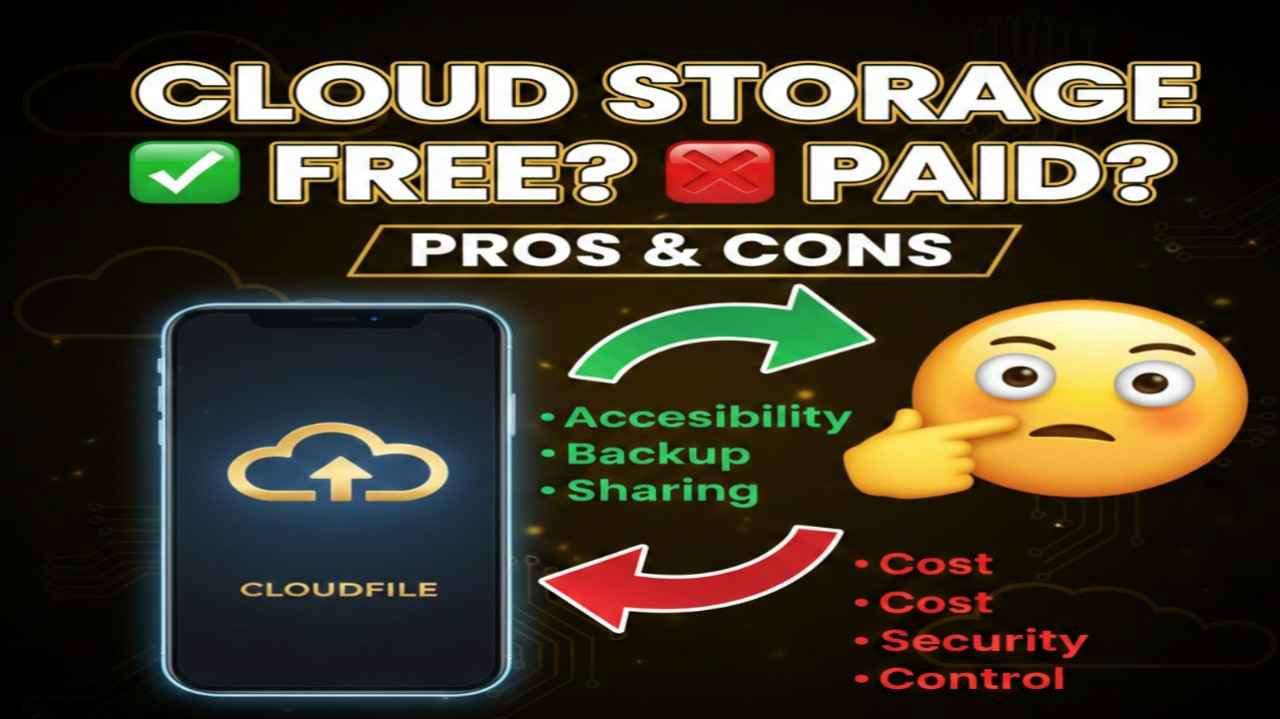
Cloud Storage Pros and Cons
Pros:
- Accessible from anywhere with internet — perfect for remote work or multi-device use
- Automatic syncing and backups keep files safe and up-to-date across phones, laptops, and desktops
- Easy collaboration with real-time editing, sharing links, and version history
- Scalable storage options grow with your needs without buying new hardware
- Often includes extras like photo management, document tools, or AI features at no added cost
Cons:
- Requires reliable internet; offline access can be limited in basic plans
- Free tiers fill up quickly with photos/videos, pushing users toward paid upgrades
- Potential privacy concerns with non-encrypted providers scanning files
- Monthly/annual costs add up over time compared to one-time hardware purchases
- Risk of service changes, outages, or account issues affecting file access