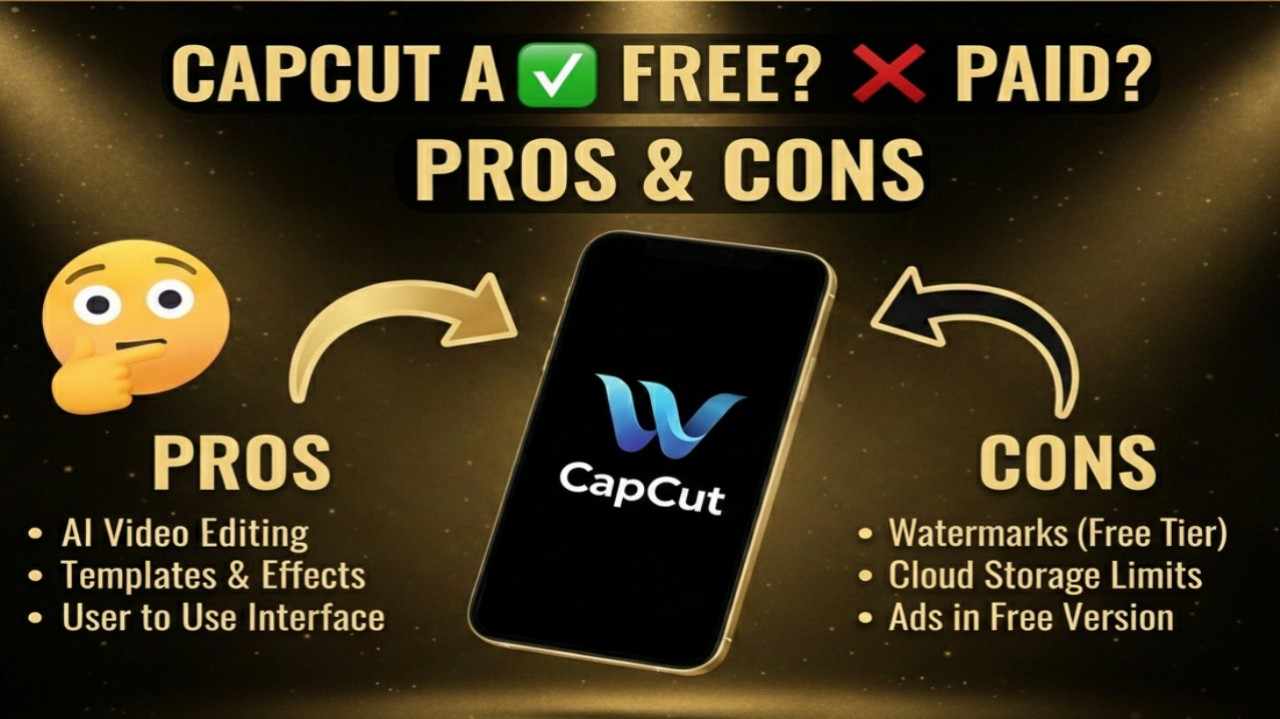
CapCut AI is a powerful, user-friendly video editing platform developed by ByteDance (the company behind TikTok) that integrates advanced artificial intelligence to simplify and enhance the entire editing process. It offers tools like AI auto-captions, background removal, smart cutouts, text-to-speech with natural voices, auto-reframe for different aspect ratios, script-to-video generation, AI effects, relight features, filler word removal, and lip-sync capabilities.
Available across mobile, desktop, and web, CapCut AI makes professional-looking edits accessible for social media creators, YouTubers, marketers, educators, and casual users who want quick, high-quality videos without complex software.
Is CapCut AI Free or Paid?
CapCut AI operates on a freemium model, meaning the core app and many AI features are completely free to use with no payment required for basic editing, exports, and standard tools. The free version supports 1080p exports, essential AI functions like auto-captions and basic effects, and a solid library of templates and assets. Paid subscriptions (often branded as Pro or higher tiers) unlock premium AI capabilities, higher resolutions (4K/HDR), unlimited cloud storage, advanced effects, watermark-free exports on all assets, full commercial rights, and priority access—ideal for frequent creators, professionals, or those needing cross-platform sync and maximum quality.
CapCut AI Pricing
CapCut AI pricing includes a robust free tier alongside paid plans that vary slightly by region and platform but generally focus on unlocking premium AI tools, storage, and exports. Annual billing offers significant savings.
| Plan Name | Price (Monthly / Yearly) | Main Features | Best For |
|---|---|---|---|
| Free | $0 / $0 | 1080p exports, basic AI tools (auto-captions, background removal, basic effects), standard templates/music, limited cloud storage | Beginners, casual creators, social media users testing features or making occasional videos |
| Standard | ~$5.99–$9.99/month / ~$89.99/year | Watermark removal on many assets, premium effects/fonts/templates, mobile-only focus, select advanced AI tools, moderate cloud storage | Mobile-first creators needing cleaner exports and more assets without full cross-platform needs |
| Pro | ~$9.99–$19.99/month / ~$89.99–$179.99/year | Full cross-platform access (mobile/desktop/web), 4K/HDR exports, complete AI toolkit (relight, upscale, custom voices, lip-sync), 100GB+ cloud storage, advanced templates/effects | Serious content creators, YouTubers, marketers, or professionals requiring high-quality, multi-device workflows |
| Teams | ~$24.99/month per user / ~$214.99/year per user | All Pro features + team collaboration, shared storage/libraries, centralized project management | Agencies, collaborative teams, or businesses editing together on shared projects |
Also Read-OpenRouter AI Free, Alternative, Pricing, Pros and Cons
CapCut AI Alternatives
While CapCut AI excels in mobile-friendly, TikTok-optimized editing with strong free AI tools, several alternatives offer different strengths in desktop power, advanced AI, or specialized features.
| Alternative Tool Name | Free or Paid | Key Feature | How it Compares to CapCut AI |
|---|---|---|---|
| DaVinci Resolve | Free (core) / Paid Studio (~$299 one-time) | Professional color grading, Fusion effects, audio post-production | Far more advanced for cinematic editing; steeper learning curve and less mobile focus than CapCut AI |
| VEED.io | Free tier / Paid (~$12–$59/month) | Browser-based editing, auto-subtitles, AI avatars, quick social clips | Stronger web-first simplicity and collaboration; CapCut AI offers deeper mobile integration and effects library |
| Filmora | Free trial / Paid (~$49.99/year) | User-friendly interface, AI portrait, smart cutout, vast effects | Similar beginner appeal with strong AI; Filmora emphasizes one-click effects while CapCut AI ties better to social trends |
| InShot | Free / Paid (~$3.99/month or one-time unlocks) | Mobile-first editing, filters, music, quick Reels/TikToks | Extremely simple for phone edits; CapCut AI provides more advanced AI automation and desktop support |
| Adobe Premiere Rush | Free tier / Paid via Creative Cloud (~$9.99+/month) | Cross-device sync, basic AI tools, Premiere Pro integration | Seamless Adobe ecosystem; CapCut AI wins on free tier generosity and TikTok-style speed |
CapCut AI Pros and Cons
CapCut AI democratizes video creation with intuitive tools and powerful AI, though free limitations and occasional regional variations exist.
Pros
- Highly intuitive interface with drag-and-drop simplicity, perfect for beginners and fast social media workflows.
- Generous free tier includes many AI features (auto-captions, background removal) and 1080p exports without immediate upgrade pressure.
- Strong mobile app with desktop/web sync for editing anywhere, ideal for on-the-go creators.
- TikTok integration and trend-focused templates/effects make viral content creation effortless.
- Advanced AI tools (in paid tiers) like relight, lip-sync, and upscale deliver professional results quickly.
Cons
- Free version includes watermarks on some premium assets/effects and caps at 1080p for exports.
- Pricing varies by region/platform, with occasional confusion between Standard/Pro tiers.
- Cloud storage limited in free tier, pushing frequent users toward paid plans.
- Some advanced AI features (e.g., full custom voices or 8K upscale) require higher subscriptions.
- Less suited for complex, long-form professional projects compared to dedicated desktop editors like DaVinci Resolve.