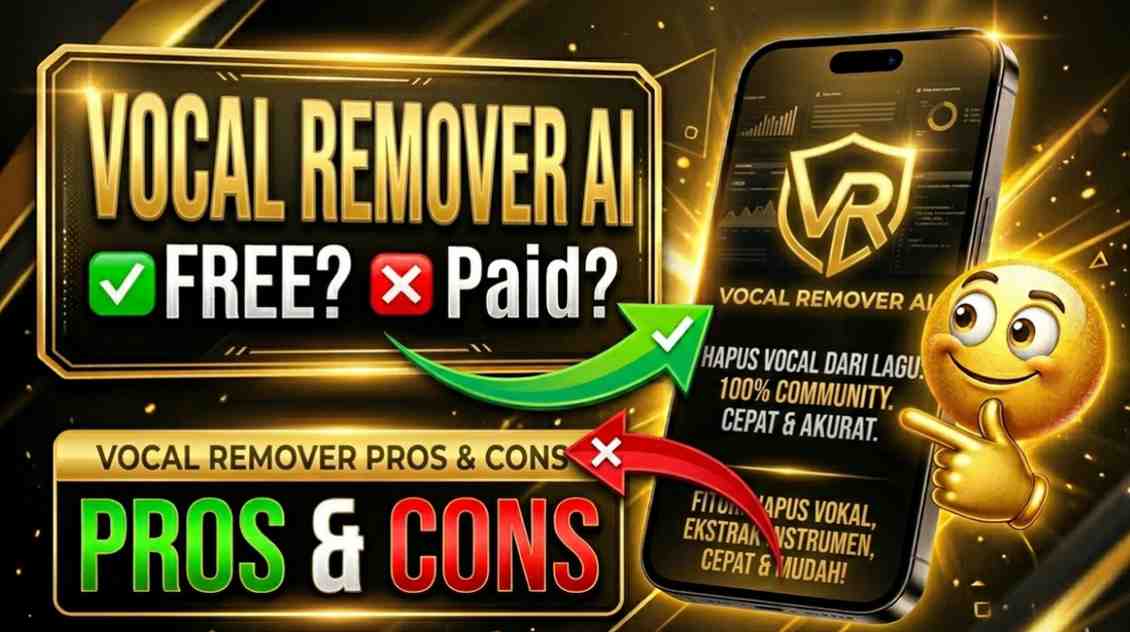
Vocal remover AI refers to advanced tools that use artificial intelligence to separate vocals from the instrumental background in any song or audio track. These smart solutions analyze the audio file and isolate the singing voice (or spoken words) while producing a clean instrumental version, or vice versa to create an acapella. They are widely used for making karaoke tracks, remixing music, practicing singing, extracting samples for production, or creating content like covers and mashups without needing professional studio equipment.
Is Vocal Remover AI Free or Paid?
Vocal remover AI tools come in both free and paid versions. Many online platforms offer a limited free tier or completely free basic processing with restrictions on file length, number of tracks, or output quality. Paid plans unlock higher limits, better separation accuracy, multi-stem extraction (drums, bass, etc.), batch processing, and commercial usage rights, making them suitable for regular or professional use.
Vocal Remover AI Pricing Details
Pricing varies significantly across different vocal remover AI platforms, from completely free open-source options to subscription or credit-based models. Here is a representative overview of popular choices:
| Plan Name | Price (Monthly / Yearly) | Main Features | Best For |
|---|---|---|---|
| Free / Basic | $0 / N/A | Limited separations (e.g., 5–10 tracks or short files), basic vocal/instrumental split, online processing | Casual users, beginners, or occasional karaoke and practice needs |
| Pro / Monthly | $4.99 – $19.99 / month (yearly discounts common) | Unlimited or high-volume processing, multi-stem separation (vocals, drums, bass, guitar), higher quality models, batch upload, no watermarks | Musicians, content creators, and producers needing regular access |
| Premium / Credits | One-time packs or $15–90 / month | Advanced AI models, noise reduction, commercial rights, API access, longer file support | Heavy users, professionals, and businesses processing many tracks |
Also Read-Dragonfly AI Free, Alternative, Pricing, Pros and Cons
Vocal Remover AI Alternatives
Several strong vocal remover AI tools and platforms compete in the market, each with different strengths in quality, ease of use, and cost. Here is a clear comparison:
| Alternative Tool Name | Free or Paid | Key Feature | How it compares to Vocal Remover AI |
|---|---|---|---|
| LALAL.AI | Free limited / Paid subscriptions or one-time packs | Multi-stem separation (up to 10+ stems including vocals, drums, bass, instruments) | Often delivers higher accuracy and more detailed stem splits than basic vocal remover tools, with strong professional-grade results but usually requires payment for full use |
| Moises | Free limited (5 separations/month) / Paid from ~$4.99/month | Vocal removal plus pitch/tempo adjustment, chord detection, and mobile app support | More musician-friendly with extra practice tools; offers good quality but fewer stems than advanced alternatives and limits free usage |
| Ultimate Vocal Remover (UVR) | Completely free (open-source) | Highly customizable AI models, offline processing, ensemble mode for better results | Excellent quality and full control for technical users; completely free but requires installation and some technical knowledge unlike simple online vocal remover AI |
| VocalRemover.org | Free with limits | Quick browser-based vocal and instrumental split, no signup needed | Very convenient and truly free for light use; simpler than full-featured vocal remover AI tools but with restrictions on file length and daily usage |
| StemSplit | Pay-per-song or subscription | Balanced quality with flexible pay-as-you-go pricing | Good value for occasional users who want high quality without a monthly fee; comparable separation performance to many vocal remover AI options |
Vocal Remover AI Pros and Cons
Pros
- Extremely fast and convenient – process tracks in seconds without manual editing
- No need for expensive studio software or hardware
- Helps create karaoke versions, acapellas, or instrumentals for practice and remixing
- Many options support multiple audio formats and work directly in your browser
- Continuously improving AI models deliver cleaner separation with less artifacts
- Accessible for beginners while offering advanced features for producers
Cons
- Free versions often limit file length, number of tracks, or output quality
- Separation quality can vary depending on the original song’s complexity or mixing
- Some tools may leave slight vocal bleed or artifacts in challenging tracks
- Paid plans are necessary for high-volume or professional work
- Results are not always perfect compared to manual studio isolation
- Commercial usage rights may require a paid subscription