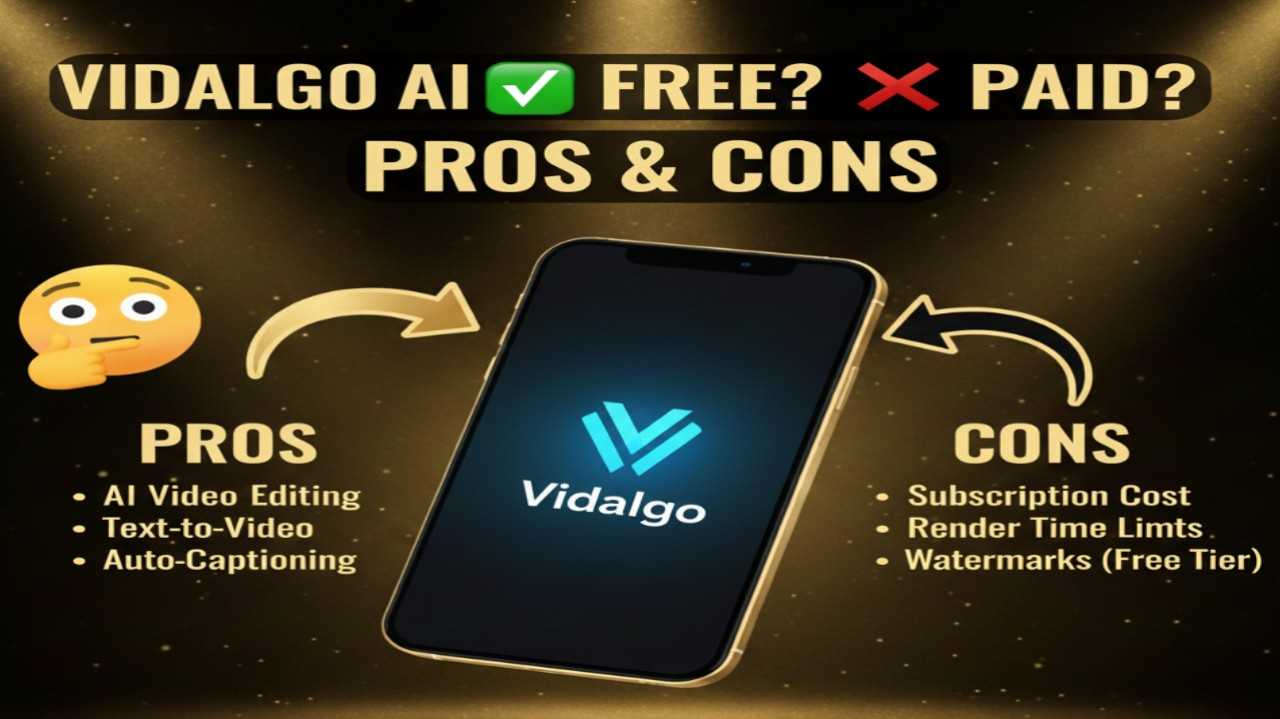
Vidalgo AI is an intuitive AI-powered video creation tool designed for generating short-form vertical videos optimized for platforms like TikTok, YouTube Shorts, and Instagram Reels. Users simply input a text idea or prompt, and the AI automatically composes a script, selects relevant stock images or visuals, adds voiceovers, music, captions, and assembles everything into an engaging clip in minutes—no filming, editing skills, or complex software needed. It excels at faceless content, viral hooks, educational explainers, motivational videos, or niche storytelling, making it popular among content creators aiming for quick, monetizable social media output.
Is Vidalgo AI Free or Paid?
Vidalgo AI uses a freemium model, providing a free tier with access to core video generation features and limited credits or generations per day/month—sufficient for testing ideas, creating occasional clips, or low-volume use. Paid subscriptions unlock significantly more credits (each video typically consumes a set amount, e.g., 100 credits), higher-quality outputs, watermark removal, faster processing, advanced customization (styles, voice options), unlimited generations in higher tiers, and commercial licensing—crucial for consistent creators, marketers, or anyone scaling faceless channels.
Vidalgo AI Pricing
Vidalgo AI employs a credit-based subscription system where plans deliver monthly Vidacoins (credits) for video generations. The free plan offers starter access, while paid tiers scale credits and perks. Annual billing often includes discounts.
| Plan Name | Price (Monthly / Yearly) | Main Features | Best For |
|---|---|---|---|
| Free | $0 / $0 | Limited daily/monthly credits, basic video generation from prompts, standard visuals/voiceovers, watermarked exports possible | Beginners, casual users, or those testing faceless TikTok/Reels ideas without commitment |
| Starter | ~$19/month (annual often discounted) | 100 credits per video allowance (higher monthly total), watermark removal on many outputs, priority generation, basic styles | Small creators, side-hustle marketers, or beginners scaling to regular short-form posting |
| Pro / Higher Tiers | ~$29–$49+/month (annual savings) | Large credit pools (thousands of credits/month), unlimited or very high generations, advanced voice/music options, faster processing, commercial rights | Frequent content creators, YouTube Shorts/TikTok accounts, agencies producing viral or niche videos at volume |
Also Read-Joi App Free, Alternative, Pricing, Pros and Cons
Vidalgo AI Alternatives
Vidalgo AI shines for simple, one-click vertical video creation focused on social virality, but alternatives provide varying strengths in editing depth, avatar features, or broader formats.
| Alternative Tool Name | Free or Paid | Key Feature | How it Compares to Vidalgo AI |
|---|---|---|---|
| InVideo AI | Free tier / Paid (~$20+/month) | Full script-to-video with stock footage, voiceovers, templates | More structured explainers and longer videos; Vidalgo AI faster for pure short-form vertical clips |
| CapCut AI | Free (core) / Pro (~$7.99+/month) | Mobile-first editing with AI auto-captions, effects, templates | Stronger manual editing control and TikTok integration; Vidalgo AI more automated from prompt to finished clip |
| Opus Clip | Free trial / Paid (~$19+/month) | AI virality scoring + auto-clipping long videos into shorts | Excellent for repurposing existing content; Vidalgo AI better for generating new videos from text ideas |
| Pictory | Paid (~$19+/month) | Text/blog-to-video, AI voiceovers, scene selection | Ideal for turning articles/scripts into narrated videos; Vidalgo AI simpler and cheaper for quick vertical social posts |
| HeyGen | Free tier / Paid (~$29+/month) | Realistic AI avatars, multilingual lip-sync | Superior talking-head/personalized videos; Vidalgo AI focuses more on image-based faceless shorts |
Vidalgo AI Pros and Cons
Vidalgo AI makes faceless short-form video creation effortless and fast, though credit limits and scope present some trade-offs.
Pros
- Extremely quick one-click workflow—turn a text prompt into a complete vertical video in under a minute.
- Fully automated script writing, image selection, voiceover, music, and assembly—no editing required.
- Optimized for viral TikTok/Reels/Shorts formats with hooks, captions, and engaging pacing.
- Generous free tier lets you generate real videos and test ideas without immediate payment.
- Affordable entry pricing for scaling faceless content channels or side projects.
Cons
- Credit consumption per video can limit free or low-tier users to only a few clips daily/monthly.
- Primarily faceless/image-based—less suitable for avatar/talking-head or highly personalized videos.
- Output quality depends on prompt clarity; generic inputs may produce less unique results.
- Watermarks or restrictions on free plan exports push frequent creators toward paid upgrades.
- Focused on short vertical clips—limited support for longer formats or advanced manual editing.