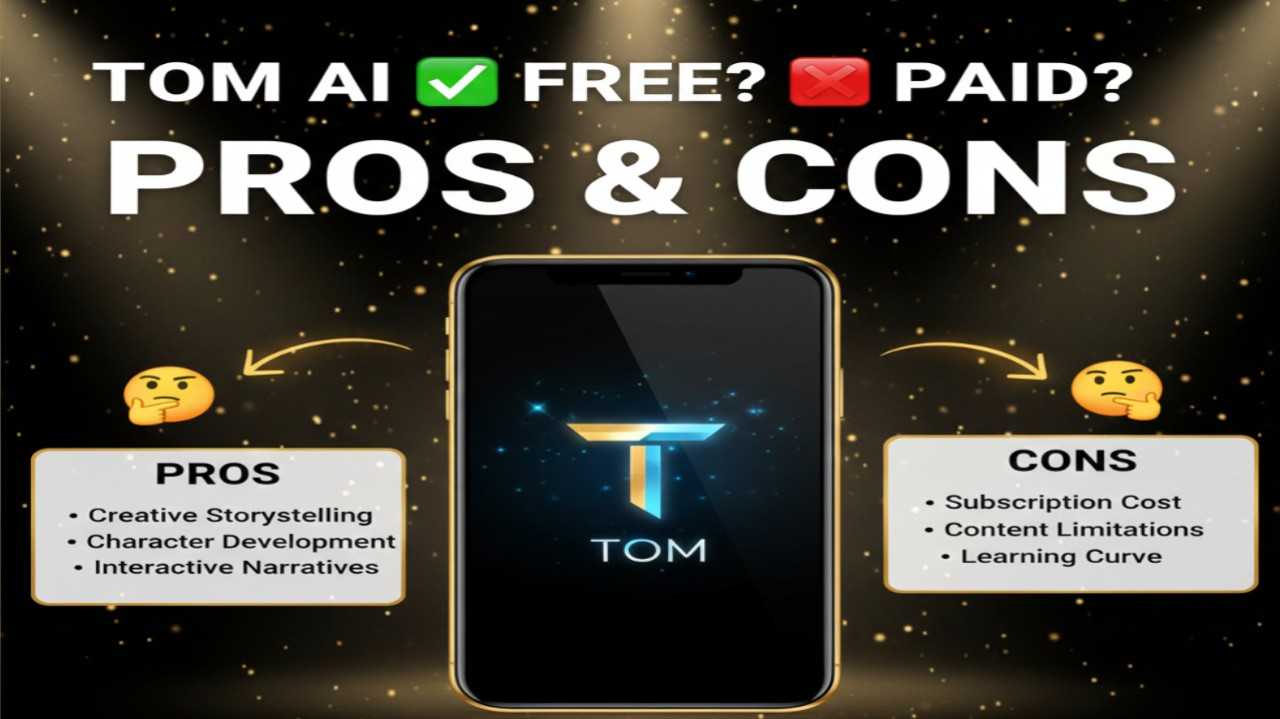
Tom AI, commonly referring to Tome AI (often stylized as Tome), is an innovative AI-powered presentation and storytelling platform that enables users to create stunning, interactive slides and narratives from simple text prompts in seconds. It leverages advanced generative AI (including models like those behind GPT and DALL·E) to automatically produce complete presentations with compelling text, high-quality images, videos, layouts, and even live data or interactive elements. Tome emphasizes a modern, scrollable storytelling format over traditional slide decks, making it ideal for pitches, reports, educational content, marketing materials, or any scenario where visual communication needs to engage audiences quickly and professionally.
Is Tom AI Free or Paid?
Tome AI (Tom AI) follows a freemium model, offering a generous free tier that includes core creation features, AI-generated content and visuals, and the ability to build and share presentations without cost—perfect for students, freelancers, or occasional users. Paid plans unlock unlimited generations, access to premium features like advanced editing, higher-resolution exports, custom branding, team collaboration, priority support, and removal of any watermarks or limits—essential for professionals, businesses, or frequent creators who rely on consistent, polished output.
Tom AI Pricing
Tome AI provides flexible subscription options centered on usage limits, advanced capabilities, and collaboration tools. The free plan remains highly functional for most basic needs, while Pro delivers the best balance for regular professional use.
| Plan Name | Price (Monthly / Yearly) | Main Features | Best For |
|---|---|---|---|
| Free | $0 / $0 | Unlimited basic presentations, AI text & image generation, standard templates, sharing & embeds, basic exports | Students, hobbyists, casual creators, or anyone testing AI presentation tools without commitment |
| Pro | ~$16–$20/month (annual often ~$8–$10/month equivalent with savings) | Unlimited generations, advanced AI models, custom themes/branding, high-res exports (PDF/PPT), team collaboration, priority features | Professionals, marketers, educators, or freelancers needing frequent, high-quality presentations |
| Enterprise / Teams | Custom / Contact sales | Everything in Pro + unlimited team seats, advanced analytics, dedicated support, custom integrations, enterprise security | Businesses, agencies, large teams requiring scalable, branded AI storytelling workflows |
Also Read-Heyselcuk AI Free, Alternative, Pricing, Pros and Cons
Tom AI Alternatives
Tom AI excels in fast, narrative-driven AI presentation creation with strong visual flair, but alternatives offer different emphases like deeper PowerPoint compatibility, more templates, or specialized business features.
| Alternative Tool Name | Free or Paid | Key Feature | How it Compares to Tom AI |
|---|---|---|---|
| Gamma | Free tier / Paid (~$10–$20/month) | AI-generated decks with modern designs, real-time collaboration, data embeds | Similar speed and aesthetics; Gamma often feels more polished for business pitches while Tom AI leans toward creative storytelling |
| Beautiful.ai | Paid (~$12/month) | Smart slide templates with auto-design rules, brand consistency | Stronger automatic layout intelligence; Tom AI better for full generation from prompts rather than template-heavy editing |
| SlidesAI (Google Slides add-on) | Free tier / Paid (~$10/month) | Direct Google Slides integration, text-to-slide conversion | Seamless for Google users; Tom AI offers more standalone, interactive narrative formats beyond traditional slides |
| Plus AI | Paid (~$10–$20/month) | Native PowerPoint/Google Slides add-on, editing existing decks | Excellent for refining or expanding real PPT files; Tom AI stronger in zero-to-hero creation from scratch |
| Canva Magic Studio | Free tier / Paid Pro (~$12.99/month) | Vast templates + AI generation for presentations and graphics | Broader design ecosystem; Tom AI more specialized in AI-native storytelling and dynamic content |
Tom AI Pros and Cons
Tom AI revolutionizes quick, engaging presentation workflows with minimal effort, though it has some constraints typical of generative tools.
Pros
- Generates complete, visually appealing presentations from a single prompt in seconds, saving hours of manual design.
- Modern, interactive storytelling format (scrollable narratives with embeds, animations, live data) stands out from static slides.
- High-quality AI images, text, and layouts that feel professional and on-brand with minimal tweaking.
- Generous free tier allows meaningful creation and sharing without immediate upgrade pressure.
- Easy sharing via links, embeds, or exports, plus growing support for collaboration and customization.
Cons
- Free tier may include watermarks or generation limits during heavy use.
- Output sometimes requires manual adjustments for perfect alignment with specific branding or complex data.
- Less ideal for traditional PowerPoint-heavy corporate environments compared to direct add-ons.
- Relies heavily on prompt quality—vague inputs can lead to generic or off-target results.
- Advanced features (unlimited use, premium exports) locked behind paid plans for frequent creators.