Render AI (often stylized as RenderAI or similar tools in the AI architecture space) refers to advanced artificial intelligence-powered rendering software that transforms sketches, 3D models, text descriptions, or basic drawings into high-quality, photorealistic architectural visualizations in seconds. These tools use generative AI models to produce stunning renders for interiors, exteriors, landscapes, and product designs—eliminating hours of manual work in traditional render engines like V-Ray, Enscape, or Lumion.
Is Render AI Free or Paid?
Render AI tools operate on a freemium or paid subscription model. Many offer limited free access—such as trial credits, a small number of free renders, or basic generations—to let users test quality and workflow before committing.
Full professional use (unlimited renders, high-resolution exports, commercial rights, no watermarks, advanced editing, faster processing, and priority queues) requires a paid plan. Free tiers are genuinely useful for occasional personal projects or testing, but serious architects and studios quickly move to paid subscriptions for reliability, speed, and ownership of outputs.
Render AI Pricing
Pricing varies across platforms, but most follow monthly or annual subscriptions with credit/token systems for renders. Annual billing usually saves 15–40%.
Here’s a representative breakdown from leading tools like Rendair AI, MyArchitectAI, ReRender AI, and similar:
| Plan Name | Price (Monthly / Yearly) | Main Features | Best For |
|---|---|---|---|
| Free / Trial | $0 | Limited renders/credits (e.g., 10–20 free), basic photoreal generation, watermarks or lower resolution, queue times | Beginners, testing quality, students, very light personal use |
| Starter / Basic | $19–$39 / $180–$350 (annual savings) | 100–500 renders/month, high-res exports, no/low watermarks, basic styles & upscaling, standard speed | Freelancers, small studios, early-stage concept work, budget-conscious users |
| Pro / Creator | $49–$99 / $450–$900 (annual) | Unlimited or high-volume renders, advanced editing/chat control, 4K–8K upscaling, commercial license, priority processing, animation options | Professional architects, interior designers, frequent client presentations |
| Team / Enterprise | $199+ or custom / Custom annual | Team seats, shared workspaces, unlimited everything, API/custom integrations, dedicated support, highest speed & privacy | Design firms, agencies, large teams needing collaboration and scale |
Also Read-Cara AI Free, Alternative, Pricing, Pros and Cons
Render AI Alternatives
Render AI tools shine in speed and ease for architectural visualization, but several strong competitors offer similar or specialized rendering capabilities:
| Alternative Tool Name | Free or Paid | Key Feature | How it compares to Render AI |
|---|---|---|---|
| MyArchitectAI | Freemium | 10 free renders, browser-based SketchUp/Archicad upload | Extremely fast and no-install; very similar ease but often lower starting cost for trials |
| ReRender AI | Paid | Photoreal upgrades from existing renders, style variety | Excellent for enhancing current work; Render AI covers more from-sketch-to-render workflows |
| Vizcom | Freemium | Sketch-to-3D render + animation, real-time iteration | Strong for product/industrial design; Render AI edges in pure architecture focus and chat editing |
| Midjourney | Paid (via Discord) | Text-to-image architectural concepts | Artistic and creative freedom; less precise for exact model-based renders than dedicated Render AI tools |
| Chaos Enscape + AI Enhancer | Paid (subscription) | Real-time rendering with AI upscaling/enhancement | Superior real-time control; Render AI wins on instant generation from minimal input |
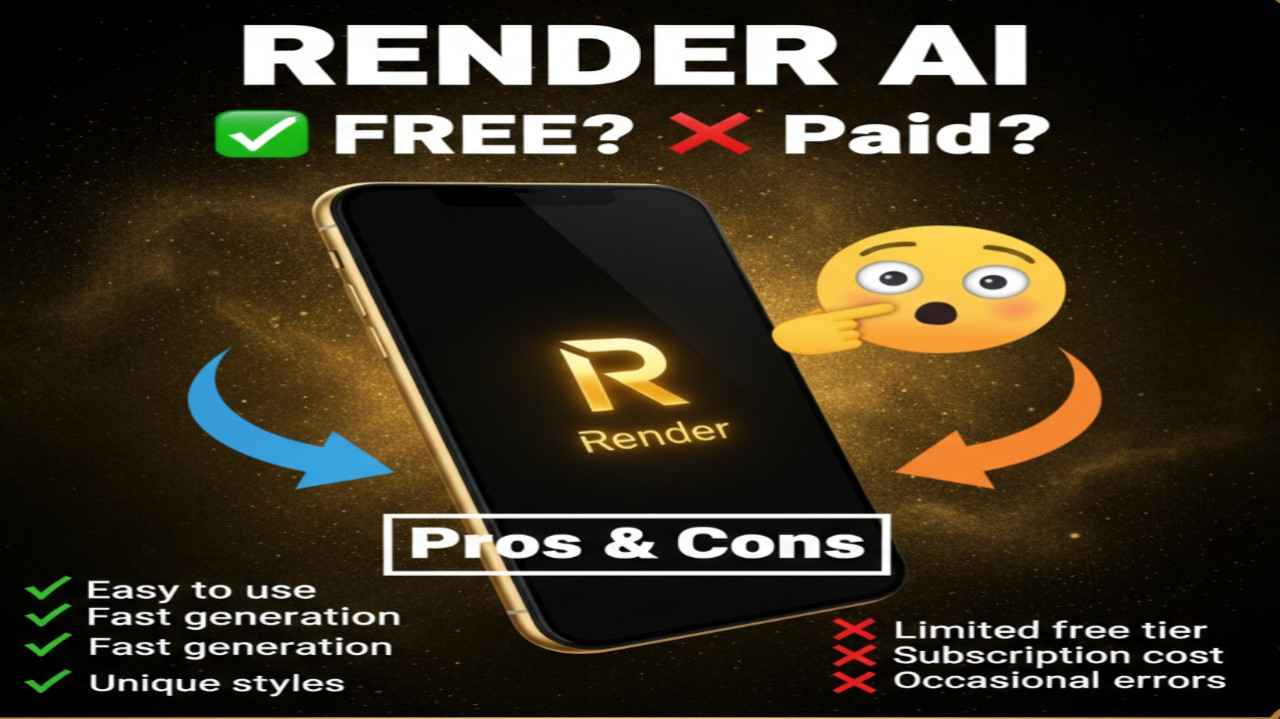
Render AI Pros and Cons
Pros:
- Lightning-fast renders (seconds instead of hours) accelerate design iteration
- No powerful GPU or local install needed—cloud-based and browser-friendly
- Handles sketches, 3D views, text prompts, or model uploads for versatile input
- Produces photorealistic, client-ready visuals with minimal effort
- Built-in editing, upscaling, style controls, and sometimes animation/chat features
- Affordable entry compared to traditional render farm costs
- Great for early concepts, mood boards, and quick client feedback
- Continuously improving with new AI models for better realism
Cons:
- Free tiers limited in renders, resolution, or commercial rights
- Output quality depends on input clarity—poor sketches may need tweaks
- Less manual control than traditional engines (e.g., V-Ray lighting adjustments)
- Subscription required for professional/high-volume use
- Potential queue times on free or lower plans during peak usage
- Commercial licensing and ownership rules vary by plan
- Still emerging—occasional inconsistencies in complex scenes
- Relies on internet and cloud processing (no offline mode)