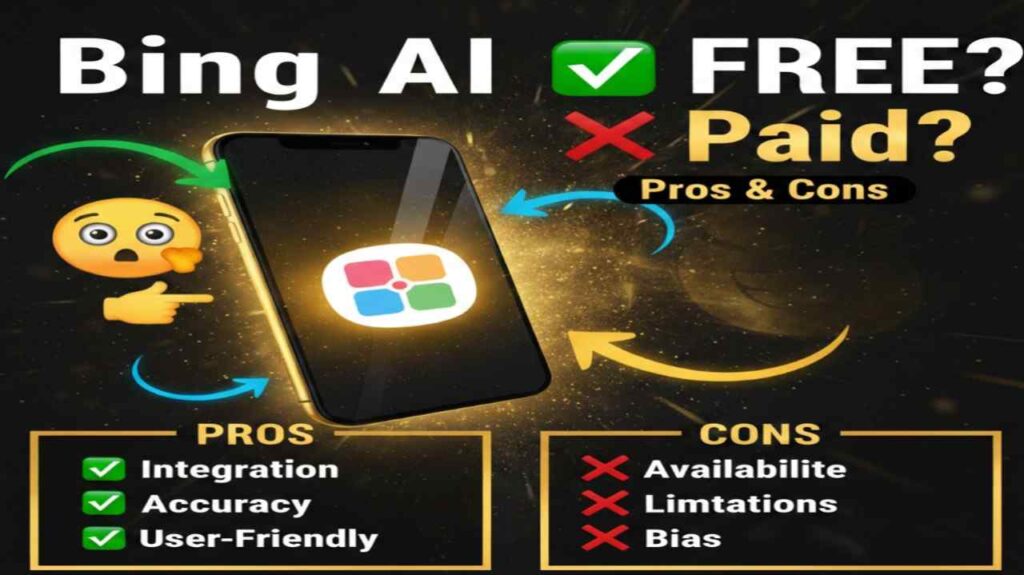
Bing AI is the original name for Microsoft’s AI-powered chatbot and search enhancement tool, now widely known and rebranded as Microsoft Copilot. Bing AI (or Copilot) is an intelligent assistant integrated into Bing search, the Edge browser, Windows, and as a standalone experience at copilot.microsoft.com. It delivers conversational answers, real-time web-grounded responses, creative image generation, content creation, and task assistance powered by advanced large language models.
Is Bing AI Free or Paid?
Bing AI, now primarily experienced as Microsoft Copilot, offers a robust free version for general use. Paid upgrades exist for individuals (Copilot Pro) and businesses (Microsoft 365 Copilot), unlocking priority access, faster responses, deeper integrations, and advanced features during high-demand periods.
Bing AI Pricing Details
| Plan Name | Price (Monthly / Yearly) | Main Features | Best For |
|---|---|---|---|
| Free (Copilot) | $0 / $0 | Unlimited basic chat, web-grounded answers, image generation, creative modes, real-time search integration | Casual users, everyday queries, research, and light productivity |
| Copilot Pro | $20 / ~$240 (billed monthly or annually) | Priority access to latest models, faster responses, higher limits on image generation and GPT usage, advanced features in Microsoft 365 apps | Power users, creators, professionals needing reliable performance |
| Microsoft 365 Copilot (Business/Enterprise) | $30 / ~$360 per user (annual commitment) | Deep integration with Word, Excel, PowerPoint, Teams, Outlook; enterprise data grounding, security, compliance | Businesses and teams boosting workflow productivity with AI in Microsoft apps |
Also Read-Humanize AI Free, Alternative, Pricing, Pros and Cons
Best Alternatives to Bing AI
| Alternative Tool Name | Free or Paid | Key Feature | How it Compares to Bing AI |
|---|---|---|---|
| ChatGPT (OpenAI) | Free + Paid | Advanced reasoning, custom GPTs, memory across chats, strong creative and structured output | Often delivers more consistent creative results; less real-time web search than Bing AI but excels in deep tasks |
| Google Gemini | Free + Paid | Multimodal (text, image, code), tight Google ecosystem integration, real-time search | Similar free access and web grounding; stronger in Google apps but Bing AI edges out in Microsoft tool integration |
| Claude (Anthropic) | Free + Paid | Large context window, excellent writing/analysis, safety-focused responses | Superior for long-form content and ethical reasoning; lacks built-in image generation and search depth of Bing AI |
| Grok (xAI) | Free + Paid (via X Premium) | Real-time X data, uncensored style, humor-infused answers | More personality-driven; free tier generous but narrower focus compared to Bing AI’s broad utility |
| Perplexity AI | Free + Paid | Citation-heavy research answers, focused search engine style | Excellent for sourced, accurate info; more research-oriented than Bing AI’s general conversational versatility |
Pros and Cons of Bing AI
Pros
- Completely free core version with no hard usage caps for most everyday tasks.
- Real-time web access for current information, news, and grounded responses.
- Seamless integration with Microsoft ecosystem (Edge, Windows, Office apps in paid tiers).
- Built-in image generation and creative modes without extra tools.
- Balanced, helpful tone with creative, precise, and balanced conversation styles.
Cons
- Free version may face slower responses or limits during peak times.
- Paid upgrades required for priority model access and full Microsoft 365 productivity boosts.
- Can occasionally be more cautious or restricted in responses compared to some competitors.
- Image generation quality and speed vary by plan tier.
- Less customizable memory or persistent chat personalization in the free version.