Zapier has transformed how businesses and individuals handle repetitive tasks in 2026, with AI-powered workflow tools leading the charge. One of the most popular and versatile platforms in this space is Zapier, a no-code automation tool that connects thousands of apps to create automated workflows—known as “Zaps”—triggered by events in one app that perform actions in others.
Is Zapier Free or Paid?
Zappier offers a generous freemium model. The free plan lets you build and run basic Zaps with limited tasks per month, making it ideal for testing or light personal use. For higher task volumes, multi-step Zaps, premium apps, AI features, and advanced automation like agents or tables, a paid subscription is required.
Zapier Pricing
Zappier uses a task-based pricing model (a “task” is each successful action in a Zap), with monthly or annual billing options (annual saves ~33%). Plans scale by task allowance, features, and team capabilities.
| Plan Name | Price (Monthly / Yearly) | Main Features | Best For |
|---|---|---|---|
| Free | $0 | 100 tasks/month, single-step Zaps, basic apps, no premium features | Beginners, hobbyists, very light personal automation |
| Professional | $19.99 / ~$240 (billed annually) | Unlimited premium apps, multi-step Zaps, 750+ tasks/month (scales up), AI actions, filters, paths, Formatter, basic agents | Individuals, freelancers, small teams automating daily workflows |
| Team | $69 / ~$828 (billed annually) | Everything in Professional + shared workspaces, team roles/permissions, 2,000+ tasks/month base (upgradable), advanced AI agents | Growing teams collaborating on automations |
| Enterprise | Custom (contact sales) | Everything in Team + unlimited tasks, SSO, advanced governance, audit logs, dedicated support, custom SLAs | Large organizations with compliance needs and high-volume automation |
Also Read-Magic Slides Free, Alternative, Pricing, Pros and Cons
Zapier Alternatives
Many strong alternatives exist for no-code/low-code AI workflow automation, each with unique strengths in integrations, self-hosting, pricing, or complexity handling.
| Alternative Tool Name | Free or Paid | Key Feature | How it compares to Zappier |
|---|---|---|---|
| Make (formerly Integromat) | Freemium | Visual scenario builder with deep data transformation and conditional logic | More powerful for complex, branched workflows and cheaper per operation; steeper learning curve than Zapier’s simpler interface |
| n8n | Freemium (self-hosted free) | Open-source, self-hostable node-based workflows with custom code support | Full data privacy and unlimited tasks when self-hosted; requires more technical setup compared to Zapier’s fully managed cloud ease |
| Gumloop | Freemium | AI-first no-code builder with strong focus on data-heavy AI workflows and templates | Newer, more intuitive for AI-centric tasks; fewer total app integrations than Zapier’s 8,000+ ecosystem |
| Microsoft Power Automate | Freemium (included in Microsoft 365) | Deep integration with Microsoft ecosystem (Teams, SharePoint, Dynamics) plus AI Builder | Excellent value inside Microsoft environments; less flexible for non-Microsoft apps compared to Zapier’s broad connectivity |
| Pipedream | Freemium | Code-first workflows with serverless execution and fast custom integrations | Ideal for developers needing custom code in workflows; higher technical barrier than Zapier’s no-code focus |
Zapier Pros and Cons
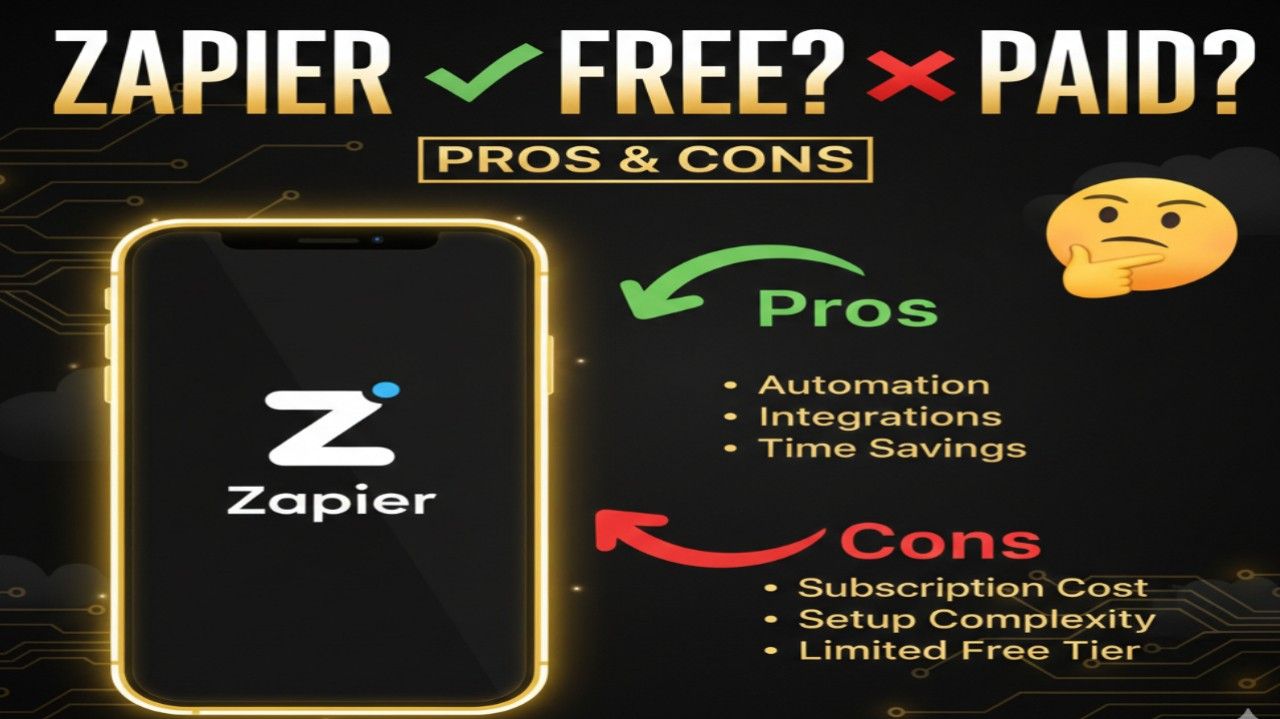
Pros
- Massive ecosystem with 8,000+ app integrations for connecting almost any tool.
- Intuitive no-code interface perfect for non-technical users to build quickly.
- Built-in AI enhancements like agents, parsing, and formatting save extra steps.
- Reliable uptime and managed infrastructure—no servers to maintain.
- Scalable plans with generous free tier to start small and grow.
- Strong community, templates, and support resources speed up setup.
Cons
- Task-based pricing can become expensive for high-volume automations.
- Advanced features (premium apps, multi-step, AI agents) locked behind paid plans.
- Less suited for extremely complex data transformations compared to Make or n8n.
- Limited custom code options without workarounds or developer tools.
- Potential overage fees if tasks exceed plan limits unexpectedly.