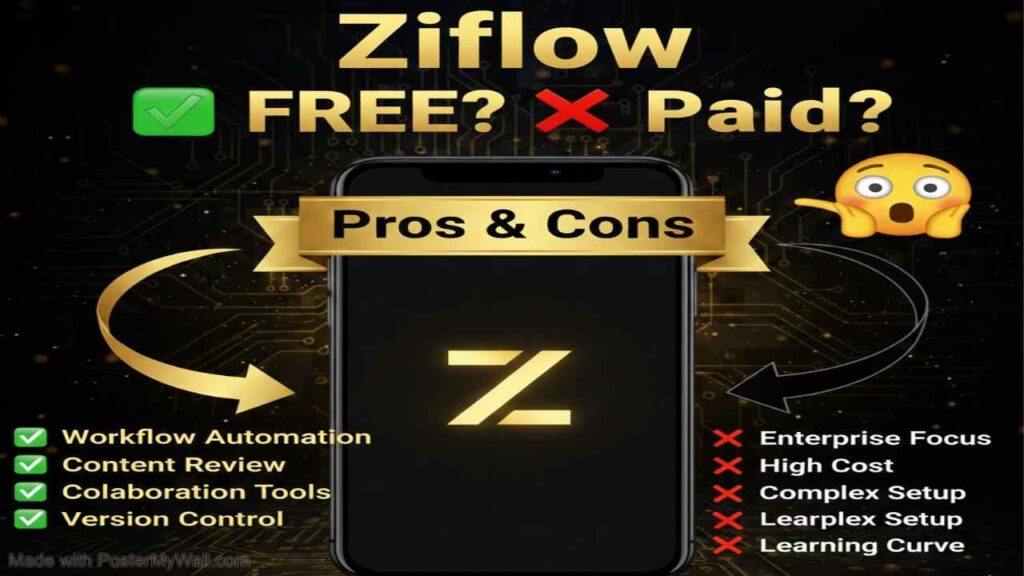
Ziflow is a robust online proofing software built specifically for creative, marketing, and agency teams. It streamlines the review and approval process for virtually any creative asset—including images, videos, PDFs, live websites, audio files, and multi-page documents—through centralized feedback, precise annotations, version comparison, and automated workflows. By replacing scattered emails, messy comments, and disjointed tools, Ziflow helps teams deliver high-quality content faster while maintaining brand consistency, compliance, and clear audit trails.
Is Ziflow Free or Paid?
Zifllow offers a freemium model with a completely free plan that includes core proofing features, unlimited proofs, and unlimited external reviewers—ideal for freelancers or very small teams. Paid plans unlock advanced collaboration tools, more users, expanded storage, custom workflows, priority support, and enterprise-grade security. This tiered approach makes Ziflow accessible for startups while scaling effectively for growing agencies and large organizations.
Ziflow Pricing Details
Zifllow provides flexible plans billed monthly or annually (with discounts for yearly commitments). Pricing is typically per organization rather than strict per-user, with user limits that can be expanded in packs.
| Plan Name | Price (Monthly / Yearly) | Main Features | Best For |
|---|---|---|---|
| Free / Personal | $0 | Unlimited proofs, unlimited reviewers, basic feedback tools, foundational annotations, limited users (e.g., 2 proof managers) | Freelancers, solo creatives, or tiny teams starting with basic proofing |
| Standard | ~$199 / month (billed yearly) | Up to 15 users, 1TB storage, essential workflows, 2 active templates, automated reminders, Adobe CC plugin support | Growing agencies and small-to-mid marketing teams needing reliable collaboration |
| Pro | ~$329 / month (billed yearly) | Up to 20+ users, advanced workflows, custom stages, intake forms, more storage, priority features | Scaled creative teams and busy agencies handling complex projects |
| Enterprise | Custom (contact sales) | Unlimited/custom users, advanced security & compliance, API access, dedicated support, SSO, custom integrations | Large enterprises and global brands with high-volume, regulated workflows |
Also Read-Pykaso AI Free, Alternative, Pricing, Pros and Cons.
Best Alternatives to Ziflow
Several online proofing and creative collaboration platforms compete with Ziflow, each offering unique strengths in pricing, ease of use, or specialized features.
| Alternative Tool Name | Free or Paid | Key Feature | How it Compares to Zifllow |
|---|---|---|---|
| Frame.io | Freemium (Adobe-owned) | Seamless Adobe integration, frame-accurate video comments | Stronger native video focus and Adobe ecosystem tie-in; Ziflow often wins on multi-asset support and customizable workflows |
| Filestage | Freemium | Simple drag-and-drop uploads, real-time collaboration | More beginner-friendly interface and generous free tier; Ziflow provides deeper enterprise controls and compliance tools |
| ProofHub | Paid (flat-rate plans) | All-in-one project management + proofing | Combines proofing with broader PM features; less specialized in creative feedback depth compared to Ziflow |
| GoVisually | Paid | Lightweight, visual feedback for designers | Simpler and more affordable for small teams; lacks Ziflow’s advanced automation and multi-format versatility |
| PageProof | Paid | Fast approvals, strong PDF and print focus | Excellent for print-heavy workflows; Ziflow generally offers broader asset types and stronger agency-scale features |
| Workfront Proof (Adobe) | Paid (part of Workfront) | Integrated with Adobe Workfront for enterprise PM | Tighter PM integration for large orgs; higher complexity and cost versus Ziflow’s standalone proofing strength |
Pros and Cons of Ziflow
Ziflow excels at centralizing creative feedback and scaling with team growth, though it has trade-offs typical of enterprise-focused tools.
Pros
- Supports over 1,200 file formats, including live websites, videos, audio, and interactive content.
- Powerful annotation tools with frame-accurate comments, version comparison, and real-time collaboration.
- Highly customizable workflows, automated routing, reminders, and intake forms to match real team processes.
- Strong security, compliance features, activity logs, and audit trails ideal for regulated industries.
- Unlimited reviewers (even on free plan) and seamless external client access without requiring logins.
Cons
- Higher-tier plans can feel expensive for very small teams or low-volume use.
- Initial setup and learning curve may be steeper due to depth of customization options.
- Some users note occasional slow load times with very large files or complex proofs.
- Advanced reporting and analytics features are more limited compared to full project management platforms.
- Free plan restricts user count and lacks many automation and integration perks needed for growing teams.