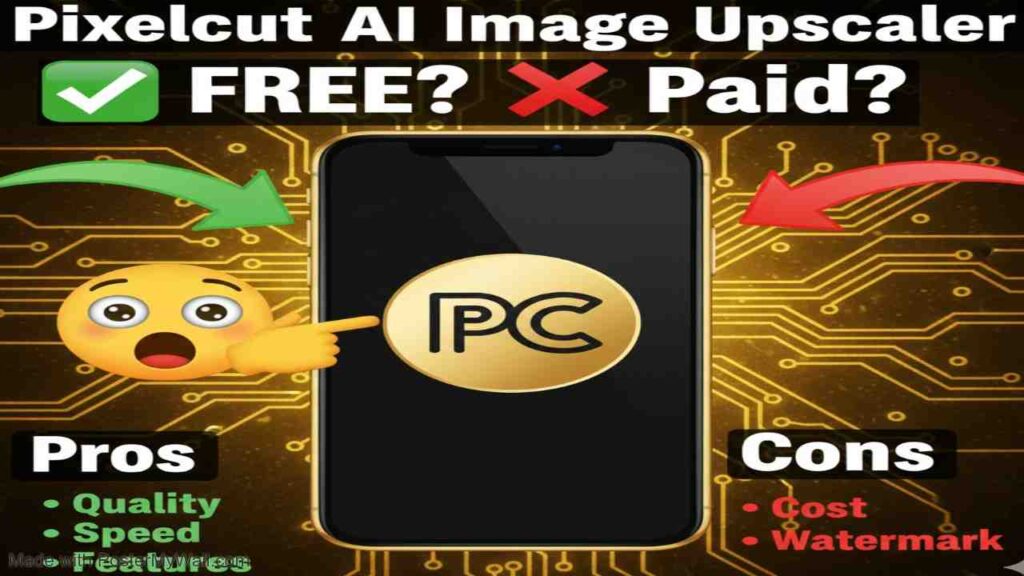
Pixelcut AI Image Upscaler is an advanced tool designed to improve the resolution and clarity of images using artificial intelligence. It allows users to enlarge photos up to 4x, 8x, or even 16x while maintaining sharpness and detail, making it ideal for e-commerce sellers, content creators, and anyone dealing with low-resolution visuals. By leveraging AI algorithms, it reduces pixelation and enhances overall image quality without the need for complex editing software.
Is Pixelcut AI Image Upscaler Free or Paid?
Pixelcut AI Image Upscaler operates on a freemium model. The basic version is available at no cost, offering limited access to upscaling features, such as up to three daily downloads without watermarks. For unlimited usage, batch processing, and additional capabilities, users need to upgrade to a paid subscription. This structure makes it accessible for casual users while providing premium options for professionals who require more extensive tools.
Pixelcut AI Image Upscaler Pricing Details
Here’s a breakdown of the available plans in a simple table format:
| Plan Name | Price (Monthly / Yearly) | Main Features | Best For |
|---|---|---|---|
| Free | $0 / $0 | Free background removal, basic upscale functionality, free exports without watermarks (limited to 3 daily downloads for upscaling) | Beginners, casual users testing the tool, or those with occasional needs |
| Pro | $10 / $96 (20% discount on yearly) | Unlimited AI edits, 600 credits monthly, add up to 3 team members, 1 concurrent generation, commercial license | Individual professionals, small teams, content creators needing regular access |
| Business | $30 / $288 (20% discount on yearly) | Unlimited AI edits, 3,600 credits monthly, add up to 10 team members, 4 concurrent generations, commercial license, priority support | Larger teams, brands, small businesses handling high-volume image processing |
Also Read-Sisense Free, Alternative, Pricing, Pros and Cons
Best Alternatives to Pixelcut AI Image Upscaler
If you’re exploring other options for image enhancement, consider these alternatives. The table below compares them based on key aspects:
| Alternative Tool Name | Free or Paid | Key Feature | How it Compares to Pixelcut AI Image Upscaler |
|---|---|---|---|
| Upscayl | Free | Open-source desktop app for offline upscaling with multiple AI models | Completely free and unlimited, but lacks online accessibility and integrated editing tools; better for privacy-focused users, though results may vary without cloud optimization |
| Topaz Gigapixel AI | Paid | Advanced noise reduction and detail recovery for up to 6x enlargement | More precise for professional photography with superior artifact removal, but higher cost and steeper learning curve compared to Pixelcut’s simple interface |
| Upscale.media | Freemium | Quick online upscaling to 4x with automatic enhancement | Similar ease of use and free tier, but focuses solely on upscaling without broader photo editing features; often faster for bulk free uploads |
| VanceAI Image Upscaler | Freemium | Supports anime and photo modes with up to 8x scaling | Offers specialized modes for different image types, providing more customization than Pixelcut, though the free version has stricter credit limits |
| Picsart AI Upscaler | Freemium | Integrated with a full suite of design tools for up to 4x upscaling | Broader creative ecosystem for editing post-upscale, making it more versatile for designers; comparable free access but with ads in the basic plan |
Pros and Cons of Pixelcut AI Image Upscaler
Pros
- User-friendly interface that requires no technical skills, allowing quick uploads and results in seconds.
- High-quality AI-driven upscaling that preserves details and reduces blur effectively.
- No watermarks on free exports, making it suitable for basic professional use.
- Integrates well with e-commerce workflows, including batch processing in paid plans.
- Available on web, iOS, and Android for flexible access.
Cons
- Free version limits users to only three daily downloads, which may not suffice for frequent needs.
- Higher-tier plans can feel expensive for solo users compared to fully free alternatives.
- Occasional inconsistencies in results with very low-quality or complex input images.
- Customer support has been reported as slow or limited in some reviews.
- Relies on internet connection for online use, unlike offline desktop options.