Omagic AI is an innovative AI-driven platform designed to generate professional-grade 3D animations, CGI effects, and cinematic videos from static images, photos, logos, or product shots. Users simply upload content, select a template or style, and the tool automatically transforms it into dynamic, viral-ready videos with impressive visual effects, motion graphics, and realistic animations—no editing experience or complex software required. It’s especially popular among e-commerce sellers, social media creators, marketers, and brands looking to produce eye-catching product demos, Instagram Reels, TikTok videos, or ad content quickly and affordably.
Is Omagic AI Free or Paid?
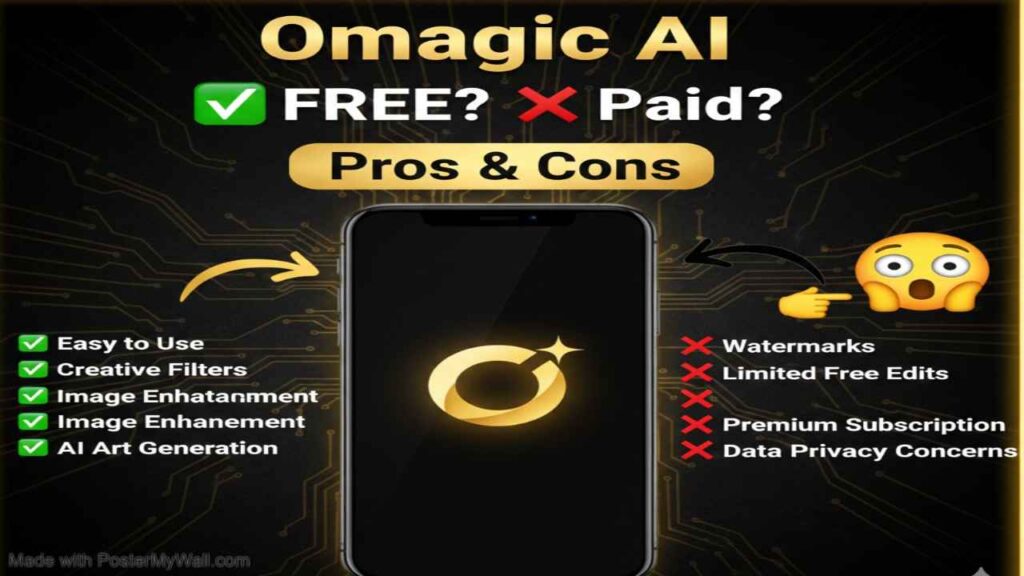
Omagic AI follows a freemium model, offering limited free generations or trial credits upon signup to let users test core features like basic video creation and template access. Full capabilities—including higher resolutions, longer videos, more credits, priority processing, no watermarks, and commercial licensing—require a paid subscription or credit purchases. This approach makes it accessible for beginners while providing scalable options for frequent or professional users.
Omagic AI Pricing Details
Omagic AI uses a credit-based subscription system, where credits determine the number of generations, video length, and quality level. Plans range from entry-level to high-volume options, with monthly billing and occasional discounts for annual commitments.
| Plan Name | Price (Monthly / Yearly) | Main Features | Best For |
|---|---|---|---|
| Free / Trial | $0 | Limited credits (e.g., 3–10 initial generations), basic templates, watermarks, standard resolution | New users testing the platform or one-off experiments |
| Hobby / Lite | $5.99–$7.92 /month | 50–200 credits/month, access to 40+ templates, HD output, priority support | Hobbyists, small creators, or occasional social media posters |
| Basic / Starter | $10–$15.92 /month | 100–500 credits/month, Full HD, more styles, commercial use on some tiers | Freelancers and small businesses needing regular content |
| Pro | $29–$39.92 /month | 1,000–2,000+ credits/month, unlimited videos in relaxed mode (some plans), advanced VFX, priority queue | E-commerce brands, marketers, and content creators with high volume |
Also Read-Hammer AI Free, Alternative, Pricing, Pros and Cons
Best Alternatives to Omagic AI
If Omagic AI’s focus on product videos or credit limits doesn’t perfectly match your needs, several other AI video generation tools provide strong alternatives with varying emphases on ease, quality, or cost.
| Alternative Tool Name | Free or Paid | Key Feature | How it Compares to Omagic AI |
|---|---|---|---|
| Runway ML (Gen-3) | Freemium (paid tiers) | Advanced text-to-video and image-to-video with precise motion editing | Superior cinematic quality and control; more professional but steeper learning curve and higher cost than Omagic AI’s template simplicity |
| Pika Labs | Freemium | Fast creative clips, strong lip-sync, and stylized effects | Excellent for quick social media reels; more generous free tier and fun styles, though less specialized in product/CGI packshots than Omagic AI |
| Kling AI | Freemium | High-fidelity long clips with excellent prompt following and realism | Often delivers better human motion and coherence; competitive free access but interface may feel less streamlined for e-commerce use |
| Synthesia | Paid (subscription) | AI avatars and talking-head videos for marketing/training | Strong for scripted presenter videos; more enterprise-focused with higher pricing, less emphasis on 3D product animations compared to Omagic AI |
| Canva Magic Studio | Freemium (integrated in Canva) | Easy AI video tools within a design ecosystem | Extremely beginner-friendly with broad templates; great free access but lower-end CGI realism versus Omagic AI’s specialized 3D effects |
| Kaiber | Freemium | Artistic image-to-video with music-reactive animations | Creative and stylized outputs ideal for music videos; similar ease but more niche artistic focus than Omagic AI’s product-oriented strengths |
Pros and Cons of Omagic AI
Omagic AI shines in simplifying high-impact video creation for marketing and social media, though it has typical limitations of emerging AI tools.
Pros
- Extremely user-friendly: Upload an image, pick a style, and generate pro-looking 3D/CGI videos in seconds without editing skills.
- Tailored for e-commerce and social media with product-focused templates, packshots, and viral-ready effects.
- Fast turnaround and impressive visual quality for logos, photos, and products turned into dynamic animations.
- Affordable entry pricing and credit system suitable for small businesses or individual creators.
- Regular template library updates and easy export options for Instagram, TikTok, Shopify, or Amazon listings.
Cons
- Credit-based limits restrict heavy daily use on lower plans (fast generations consume credits quickly).
- Free tier is very restricted with watermarks and low credit counts.
- Primarily excels at short, stylized clips; may not match top competitors in ultra-long or highly complex narrative videos.
- Results depend heavily on input image quality—poor source material can lead to inconsistencies.
- Some users report occasional queue times during peak usage on non-priority plans.