Google AI Studio is a browser-based platform designed for quickly prototyping and experimenting with generative AI models, primarily from Google’s Gemini family. It allows users to craft prompts, test multimodal inputs like text, images, audio, and video, and generate code for seamless integration into applications. This tool simplifies the process of building AI-driven features, making it accessible for developers, content creators, and hobbyists to explore advanced capabilities without complex setups.
Is Google AI Studio Free or Paid?
Google AI Studio operates on a primarily free model, offering robust access to its core features without any upfront costs. Users can sign in with a Google account and start prototyping immediately, benefiting from generous daily limits for testing prompts and models. For those needing higher quotas or production-scale API access, paid options through the Gemini API kick in based on usage, ensuring scalability for more intensive projects while keeping entry-level exploration cost-free.
Google AI Studio Pricing Details
Google AI Studio itself doesn’t have standalone subscription fees, but its functionality ties into the Gemini API’s tiered structure for extended use. The free tier supports prototyping needs, while paid elements apply to API calls beyond limits. Here’s an overview of the associated plans:
| Plan Name | Price (Monthly / Yearly) | Main Features | Best For |
|---|---|---|---|
| Free Tier | Free / Free | Access to Gemini models, prompt testing, multimodal inputs, code export, up to 15 requests per minute and 1,000 per day | Beginners, students, and casual prototypers experimenting with AI ideas |
| Google AI Plus | $7.99 / $79.90 | Enhanced access to Gemini 3 Pro, higher rate limits, integration with Google apps, 200 GB storage | Individuals seeking more productivity and moderate API usage |
| Google AI Pro | $19.99 / $199.90 | Priority access to advanced models, 2 TB storage, unlimited requests in AI Studio, enterprise features | Developers and small teams building AI apps with frequent testing |
| Google AI Ultra | $274.99 / $2,749.90 | Top-tier model access, 30 TB storage, advanced grounding and function calling, dedicated support | Large organizations requiring high-volume, production-ready AI deployments |
Also Read-Davinci AI DE Free, Alternative, Pricing, Pros and Cons
Google AI Studio Alternatives
While Google AI Studio shines in quick prototyping with Gemini models, other platforms provide similar functionalities with different strengths in customization, ecosystems, or pricing. Here’s a comparison of leading options:
| Alternative Tool Name | Free or Paid | Key Feature | How it Compares to Google AI Studio |
|---|---|---|---|
| Azure AI Studio | Both (free tier, paid enterprise) | Visual workflow builder for AI apps with Microsoft integrations | More enterprise-focused with better data governance; requires Azure setup but offers deeper ML tools, unlike Google AI Studio’s browser simplicity |
| OpenAI Playground | Both (free limited, paid API) | Interactive testing of GPT models with fine-tuning options | Greater emphasis on natural language tasks and custom models; less multimodal than Google AI Studio but easier for pure text-based prototyping |
| Amazon SageMaker Studio | Paid (usage-based) | End-to-end ML environment with Jupyter notebooks and AutoML | Superior for scalable training and deployment; more complex and costly than Google AI Studio, ideal for data scientists over quick testers |
| Hugging Face Spaces | Both (free basic, paid pro) | Community-hosted models with easy sharing and deployment | Open-source friendly with vast model library; compares by offering more collaboration but lacks Google AI Studio’s integrated multimodal prompting |
| Anthropic Console | Paid (subscription) | Safe AI development with Claude models and API testing | Focuses on ethical AI and long-context handling; similar prototyping but with stricter content filters, contrasting Google AI Studio’s flexibility |
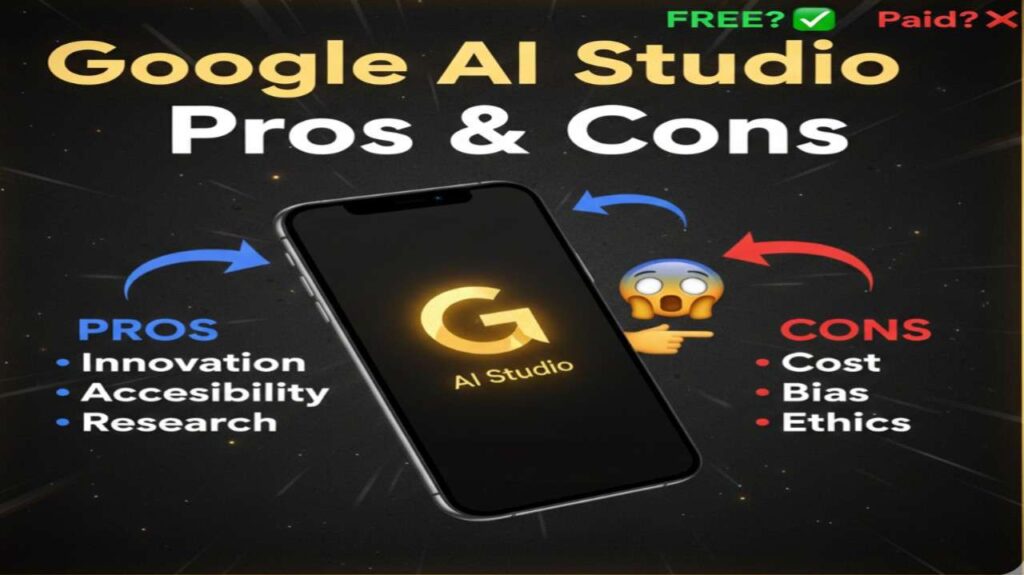
Google AI Studio Pros and Cons
Google AI Studio delivers a powerful entry point into AI development, but it’s essential to consider its balanced attributes for effective use.
Pros
- User-Friendly Interface: Browser-based access makes it easy to start without installations, ideal for rapid experimentation.
- Multimodal Capabilities: Handles text, images, audio, and video inputs seamlessly, enabling diverse AI applications.
- Free Core Access: No-cost prototyping with generous limits encourages learning and innovation without financial barriers.
- Code Export Feature: Quickly generates ready-to-use code in multiple languages for smooth transition to production.
- Integration with Google Ecosystem: Works well with tools like Gemini API and Google Cloud for expanded functionality.
Cons
- Usage Limits on Free Tier: Daily request caps can hinder extensive testing for heavy users.
- Limited Customization Depth: Less flexible for advanced model training compared to full ML platforms.
- Dependency on Google Models: Primarily tied to Gemini, restricting access to non-Google AI ecosystems.
- No Long-Term Memory: Lacks persistent context across sessions, requiring repeated setups for ongoing projects.
- Potential for Rate Limiting: High-traffic periods or complex queries may slow down responses in free mode.