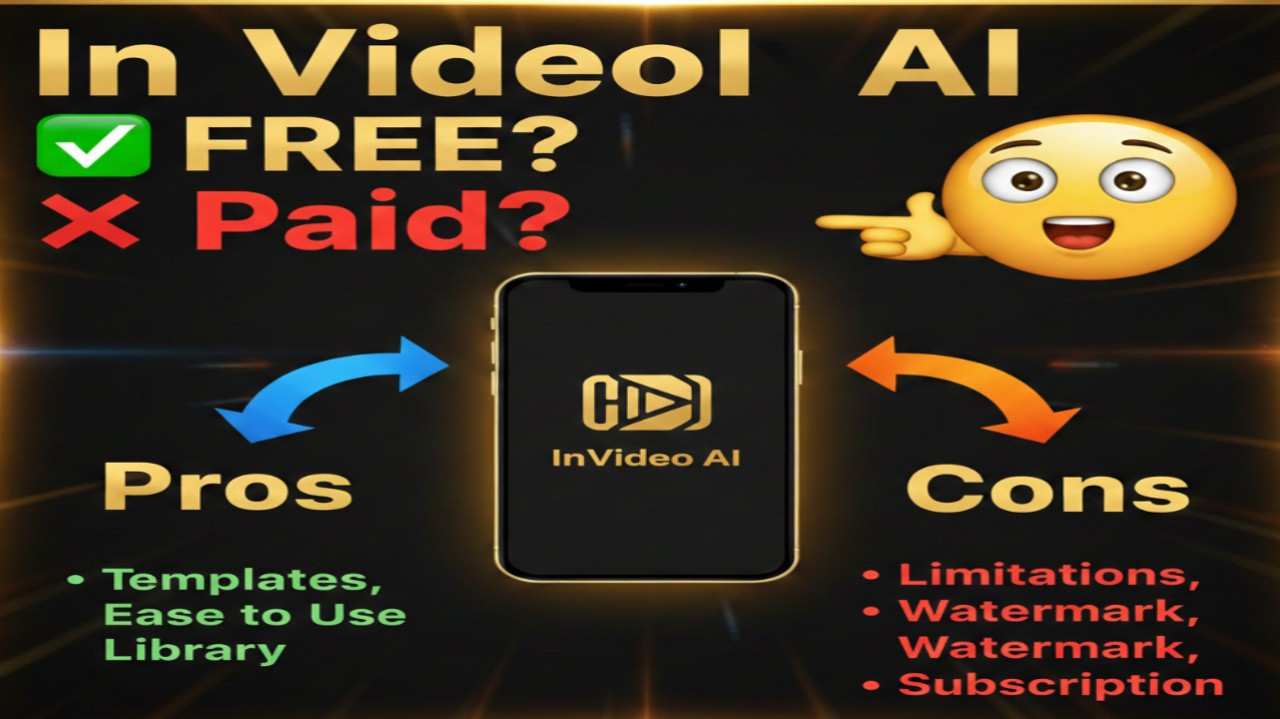
InVideo AI is an advanced text-to-video generator that transforms simple prompts or ideas into complete videos, including scripts, visuals, voiceovers, subtitles, and music. It streamlines content production for social media clips, ads, explainers, and more, making it a valuable asset for marketers, educators, and creators who want quick, professional results without extensive editing skills.
Is InVideo AI Free or Paid?
InVideo AI includes a free plan for basic testing, offering limited video generation with watermarks and restrictions on exports and features. For unlimited access, higher-quality outputs, and advanced tools like custom voice clones, users upgrade to paid subscriptions, which provide scalable credits and resources tailored to frequent video making needs.
InVideo AI Pricing Details
InVideo AI’s plans are designed to fit different production volumes, with monthly and yearly options that often include discounts for annual billing. The structure emphasizes credits for video generation, storage, and premium media access.
| Plan Name | Price (Monthly / Yearly) | Main Features | Best For |
|---|---|---|---|
| Free | $0 / $0 | 2 video minutes per week, 1 AI credit, 4 exports with watermark, basic avatars, no generative tools | Beginners or casual testers exploring AI video generation |
| Plus | $25 / $240 ($20 monthly equivalent) | 10 credits, 50 video minutes per month, 100 GB storage, 100 iStock clips, 1 voice clone, HD exports | Individual creators handling moderate video output |
| Max | $60 / $576 ($48 monthly equivalent) | 40 credits, 200 video minutes per month, 400 GB storage, 320 iStock clips, 5 voice clones, priority support | Frequent users like content marketers needing more scale |
| Generative | $120 / $1,152 ($96 monthly equivalent) | 100 credits, 800 video minutes per month, 1 TB storage, unlimited iStock, 8 voice clones, advanced AI models | Professional filmmakers or agencies focused on high-volume, custom AI content |
Also Read-Yupp AI Free, Alternative, Pricing, Pros and Cons
InVideo AI Alternatives
While InVideo AI excels in rapid text-to-video conversion with built-in editing, other platforms offer specialized strengths like avatar focus or repurposing tools. The comparison below highlights top options for diverse video creation workflows.
| Alternative Tool Name | Free or Paid | Key Feature | How it Compares to InVideo AI |
|---|---|---|---|
| Pictory | Free/Paid | AI-driven content repurposing from blogs or scripts | Stronger for turning long-form text into shorts; similar AI generation but emphasizes editing existing media, with potentially lower costs for basic plans. |
| Synthesia | Paid | Realistic AI avatars and voiceovers | Focuses on personalized talking-head videos; less versatile for general clips than InVideo AI but superior for training or presentations with custom avatars. |
| VEED | Free/Paid | Browser-based quick edits and subtitles | Easier for fast, collaborative tweaks; comparable speed to InVideo AI but shines in real-time editing without heavy AI generation, ideal for social media. |
| Runway ML | Free/Paid | Advanced AI effects and motion tools | Better for creative experimentation like image-to-video; more technical than InVideo AI, with higher potential for custom visuals but a steeper learning curve. |
| Canva | Free/Paid | Template-rich design integration | Excels in graphic-heavy videos with easy drag-and-drop; broader for non-video tasks than InVideo AI, but less automated in full video assembly. |
InVideo AI Pros and Cons
InVideo AI simplifies video production with smart automation, but it requires plan management for optimal use. Here’s a balanced look at its strengths and drawbacks based on performance and user insights.
Pros
- Intuitive interface that allows quick video creation from prompts, suitable for beginners in AI video tools.
- Extensive library of templates, stock media, and AI-generated elements, speeding up professional-looking outputs.
- Multilingual support and voice cloning for global or personalized content, enhancing versatility.
- Affordable entry-level plans with scalable credits, providing good value for regular creators.
- Built-in editing features like scene regeneration and transitions, reducing the need for external software.
Cons
- Free plan limits exports and adds watermarks, making it less viable for professional use.
- Credit system can deplete quickly with edits or regenerations, sometimes without clear warnings, leading to unexpected costs.
- Occasional inconsistencies in AI-generated quality, such as mismatched visuals or audio, requiring manual fixes.
- Export times can be lengthy for complex videos, impacting fast-paced workflows.
- Customer support may vary in responsiveness, especially for resolving billing or technical issues.