Genially is a versatile online tool designed for creating engaging interactive content, such as presentations, infographics, quizzes, and gamified experiences. It empowers users to build visually appealing and dynamic materials without needing advanced coding skills, making it ideal for educators, marketers, and business professionals seeking to captivate audiences.
Is Genially Free or Paid?
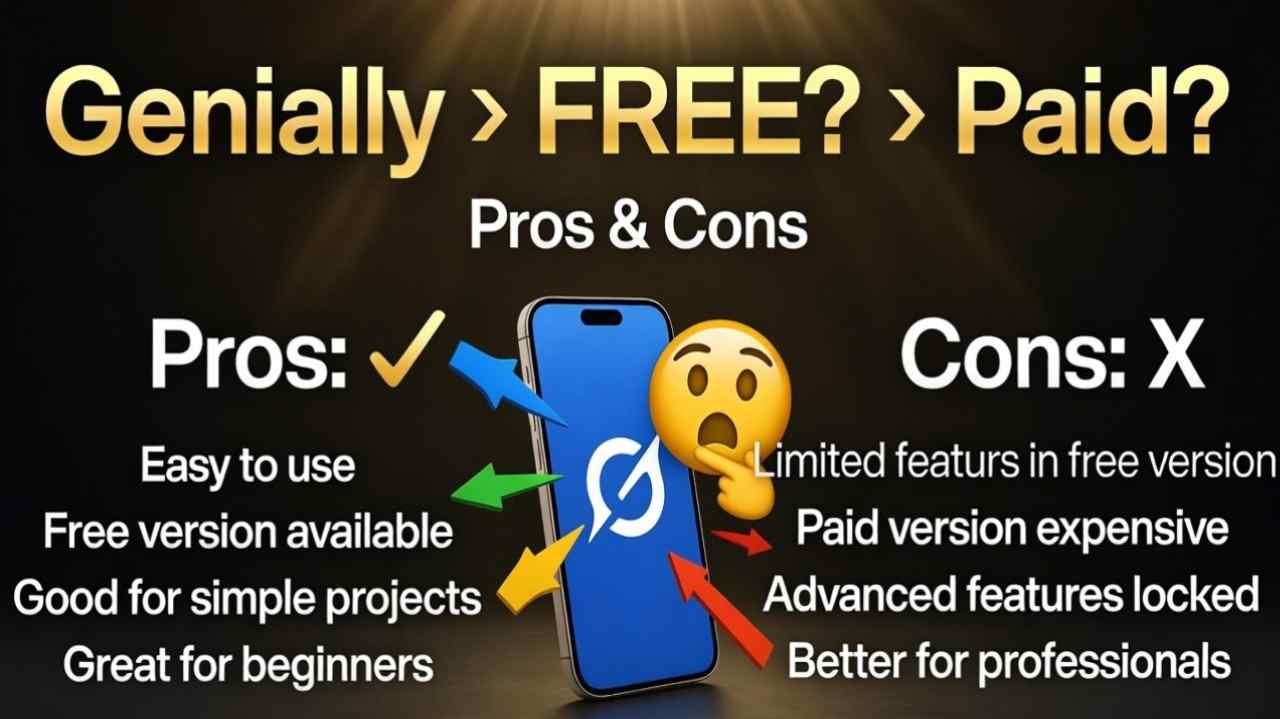
Genially offers both free and paid options to cater to different user needs. The free version provides basic access to essential features, while paid plans unlock advanced capabilities like premium templates, analytics, and collaboration tools for more professional use.
Genially Pricing Details
Genially’s pricing structure includes a free tier and several paid plans, with discounts often available for annual billing. Here’s a clear breakdown in the table below:
| Plan Name | Price (Monthly / Yearly) | Main Features | Best For |
|---|---|---|---|
| Free | $0 / $0 | Access to over 1,000 templates, basic interactions and animations, unlimited creations with watermark | Beginners, students, and casual users exploring interactive design |
| Pro | $7.49 / $89.88 | Remove watermark, premium templates, downloads in PDF/JPG/HTML/MP4, folders for organization, AI-powered content generation | Individual professionals and freelancers needing polished outputs |
| Master | $20.82 / $249.84 | All Pro features plus brand kit, team templates, user permissions, engagement analytics, live results tracking | Small teams and educators collaborating on branded content |
| Team | $79.15 / $949.80 | All Master features plus shared workspaces, admin controls, activity monitoring, priority support, up to 10 members | Larger organizations and agencies requiring extensive collaboration and management |
Also Read-Vmake AI Android app Free, Alternative, Pricing, Pros and Cons
Genially Alternatives
While Genially excels in interactive content, several alternatives offer similar functionalities with unique strengths. The comparison table below highlights key options:
| Alternative Tool Name | Free or Paid | Key Feature | How it Compares to Genially |
|---|---|---|---|
| Prezi | Both | Non-linear zooming canvas for storytelling | Focuses more on dynamic presentations with a unique navigation style, but lacks Genially’s broad range of gamification and quiz tools |
| Visme | Both | Advanced data visualization and infographic design | Similar interactivity levels, yet stronger in chart-heavy content; pricing is comparable, but Visme offers more stock assets |
| Canva | Both | Intuitive drag-and-drop interface with vast library | Broader design scope for static graphics, but less emphasis on animations and interactions compared to Genially’s specialized tools |
| Powtoon | Paid | Professional animated video creation | Excels in video production with voiceovers, while Genially provides more versatile formats like infographics; Powtoon is pricier for video-focused needs |
| Piktochart | Both | Easy infographic and report builder | Simpler for data-driven visuals, but doesn’t match Genially’s depth in gamified experiences or AI integrations |
Genially Pros and Cons
Pros
- User-friendly interface that simplifies creating interactive and animated content for non-designers.
- Extensive template library and AI tools to speed up production and inspire ideas.
- Strong collaboration features in paid plans, ideal for teams and educational settings.
- Versatile export options, including embeddable formats for websites and social media.
- Regular updates with new integrations, enhancing compatibility with tools like Google Workspace.
Cons
- Free plan includes watermarks and limited downloads, which may not suit professional needs.
- Higher-tier plans can be expensive for small users or occasional creators.
- Some advanced interactions require a learning curve to master fully.
- Limited offline access, as it’s primarily a cloud-based platform.
- Customer support response times can vary, especially on lower plans.