Tactiq AI is a powerful Chrome extension and web-based AI tool that automatically transcribes, summarizes, and analyzes online meetings in real time. It works seamlessly with Google Meet, Zoom, Microsoft Teams, Webex, and other platforms, capturing every word, identifying speakers, generating instant summaries, extracting action items, and allowing users to ask questions about the conversation afterward. Tactiq AI also offers post-meeting features like searchable transcripts, customizable templates, team sharing, and integrations with tools such as Slack, Notion, and Jira—making it especially valuable for remote teams, managers, sales professionals, project leads, and anyone who wants to stay focused during calls instead of taking notes manually.
Is Tactiq AI Free or Paid?
TactiqAI operates on a freemium model. The free plan includes unlimited transcriptions for meetings up to 1 hour, basic AI summaries, speaker identification, and core search functionality—enough for occasional or light users. Paid plans (Pro and Team) remove the 1-hour cap, unlock longer recordings, unlimited AI summaries, advanced templates, team collaboration, priority support, and integrations—essential for frequent meeting participants, managers, or entire departments.
Tactiq AI Pricing Details
Tactiq AI pricing is per user with monthly or annual billing (annual saves ~33%). All plans include unlimited users on team tiers and unlimited transcriptions (duration limits vary).
| Plan Name | Price (Monthly / Yearly) | Main Features | Best For |
|---|---|---|---|
| Free | $0 | Unlimited meetings up to 60 min, basic AI summary, speaker labels, searchable transcript, 10 AI actions/month | Casual users, freelancers, or light meeting participants |
| Pro | $8 / month ($5.99 / month billed annually) | Unlimited meeting duration, unlimited AI summaries & actions, custom templates, export options (PDF, TXT, CSV), priority processing | Individual power users, managers, or consultants who attend long/frequent calls |
| Team | $12 / user / month ($8 / user / month billed annually) | All Pro features + team workspace, shared templates, admin controls, advanced integrations (Slack, Notion, Jira, etc.) | Small to medium teams or departments needing shared notes & collaboration |
Also Read-Gemi AI Free, Alternative, Pricing, Pros and Cons
Tactiq AI Alternatives
Several AI meeting transcription and notetaking tools compete with Tactiq AI, offering different strengths in bot behavior, integrations, privacy, or cost.
| Alternative Tool Name | Free or Paid | Key Feature | How it Compares to Tactiq AI |
|---|---|---|---|
| Otter.ai | Freemium | Real-time transcription, searchable notes, AI chat | Joins as a bot; stronger live collaboration but less seamless Chrome integration and shorter free duration limits than Tactiq AI |
| Fireflies.ai | Freemium | Auto-join meetings, conversation analytics, CRM sync | Excellent analytics & sales focus; bot-based vs Tactiq AI’s no-bot Chrome extension approach |
| Fathom | Freemium | No bot, highlight reels, fast summaries | Fully bot-free like Tactiq AI; simpler notes but fewer advanced templates and integrations |
| tl;dv | Freemium | Timestamped clips, async video sharing | Great for video teams and clip sharing; bot-optional but less powerful AI summary depth than Tactiq AI |
| MeetGeek | Freemium | Meeting insights, action items, CRM automation | Stronger CRM integrations; bot-based vs Tactiq AI’s privacy-first, extension-only design |
| Sembly AI | Freemium | Multi-language support, meeting analytics | Excellent multilingual transcription; bot joins calls unlike Tactiq AI’s non-intrusive approach |
Tactiq AI Pros and Cons
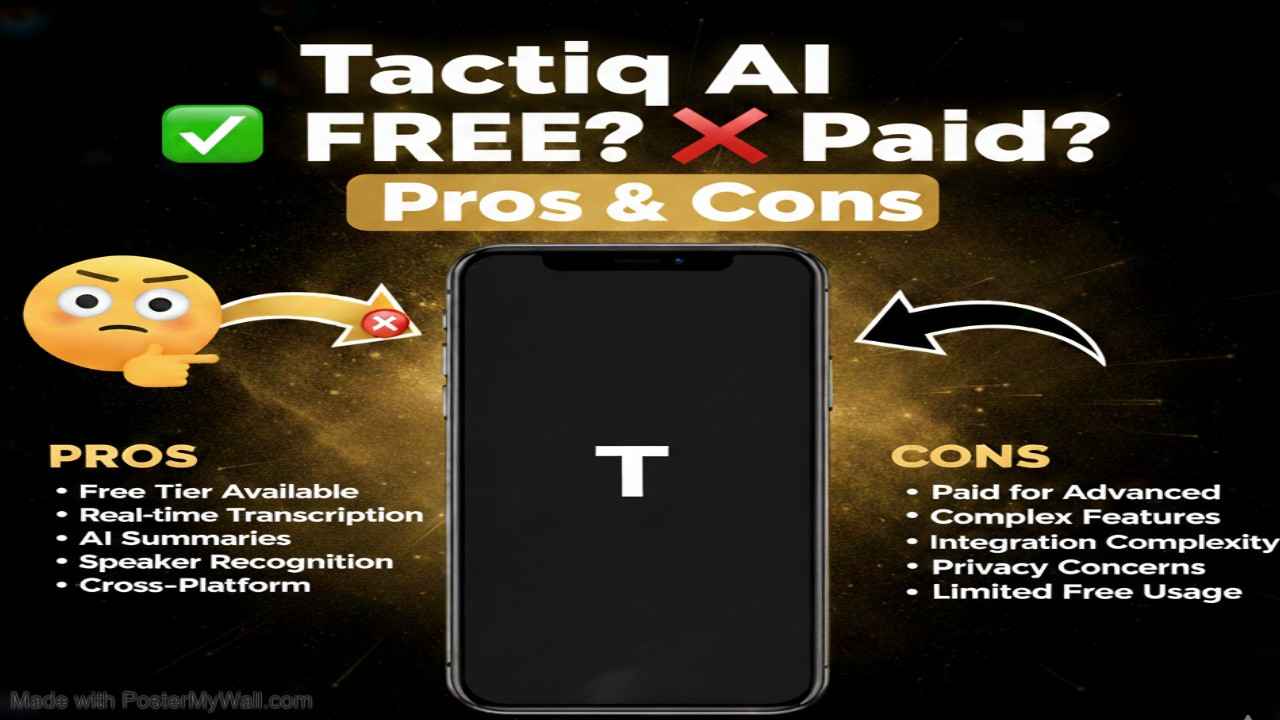
Pros
- No meeting bot — works quietly via Chrome extension, preserving privacy and avoiding awkward “bot has joined” announcements.
- Unlimited free meetings up to 60 minutes with solid AI summaries — one of the most generous free tiers in the category.
- Real-time transcription + post-meeting AI chat lets you ask questions about the call long after it ends.
- Clean, searchable transcripts with speaker labels, timestamps, and one-click action item extraction.
- Strong integrations (Slack, Notion, Jira, Google Docs) and custom templates make it easy to fit into existing workflows.
Cons
- Free plan caps meetings at 60 minutes — longer calls require Pro or Team upgrade.
- Chrome extension only — no native desktop/mobile app or support for non-Chrome browsers.
- Transcription accuracy can drop with heavy accents, background noise, or overlapping speakers (common across all tools).
- Team plan required for shared workspaces and admin controls — individual Pro users miss out on collaboration features.
- Occasional delay in processing very long meetings or complex audio environments.