

Maket AI is an AI-powered floor plan generator that lets homeowners, architects, and builders create residential layouts in minutes just by describing what they need. No CAD software or architecture degree required.
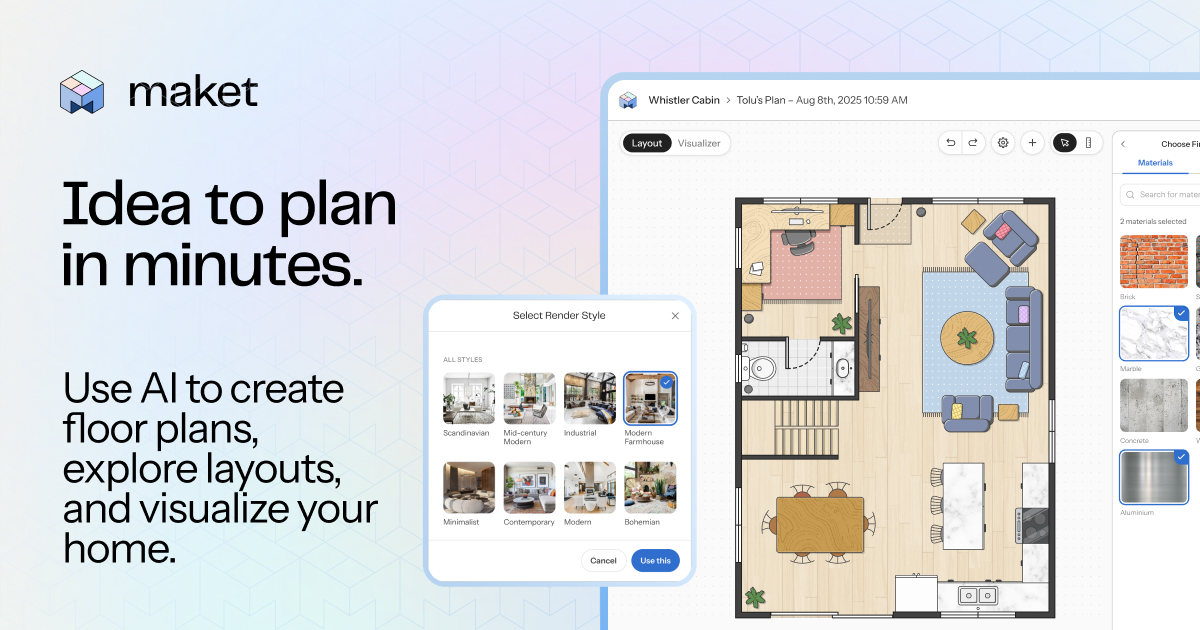
What is Maket AI Floor Plan Generator?
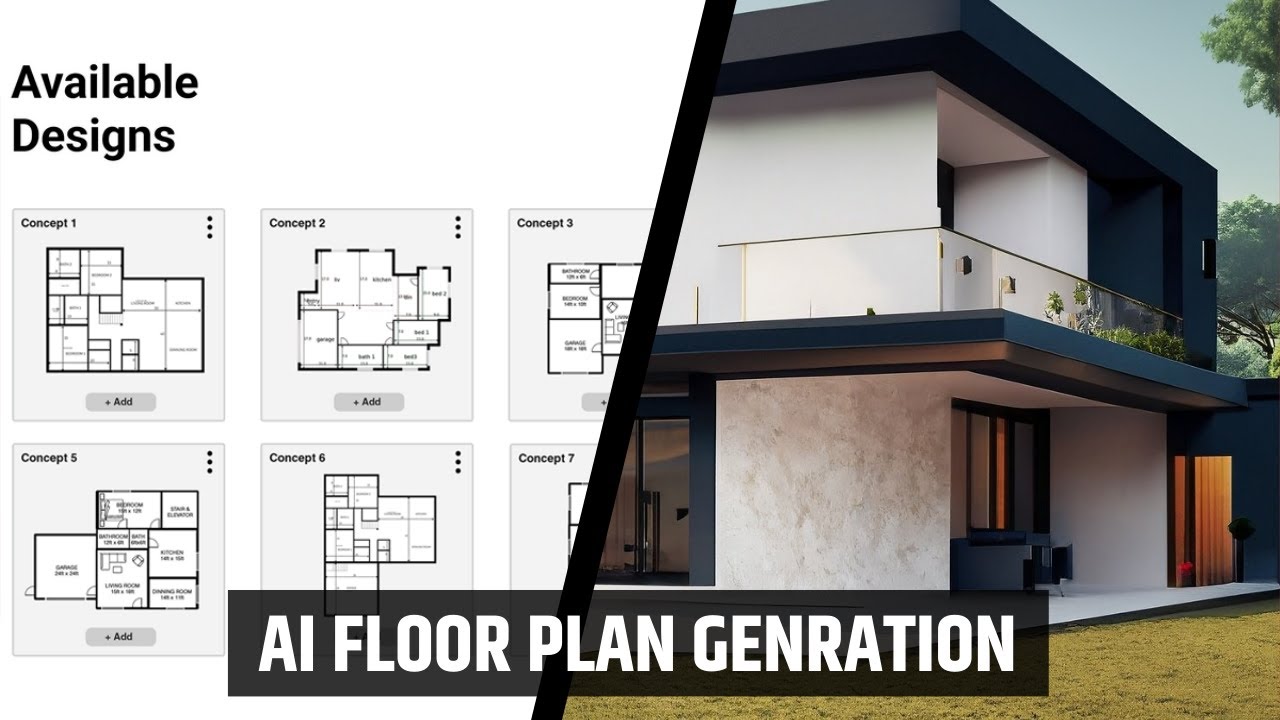
MaketAI turns text descriptions into ready-to-use residential floor plans. You input details like room count, square footage, adjacencies, and constraints. The AI instantly generates multiple layout options that are dimensionally accurate and editable.
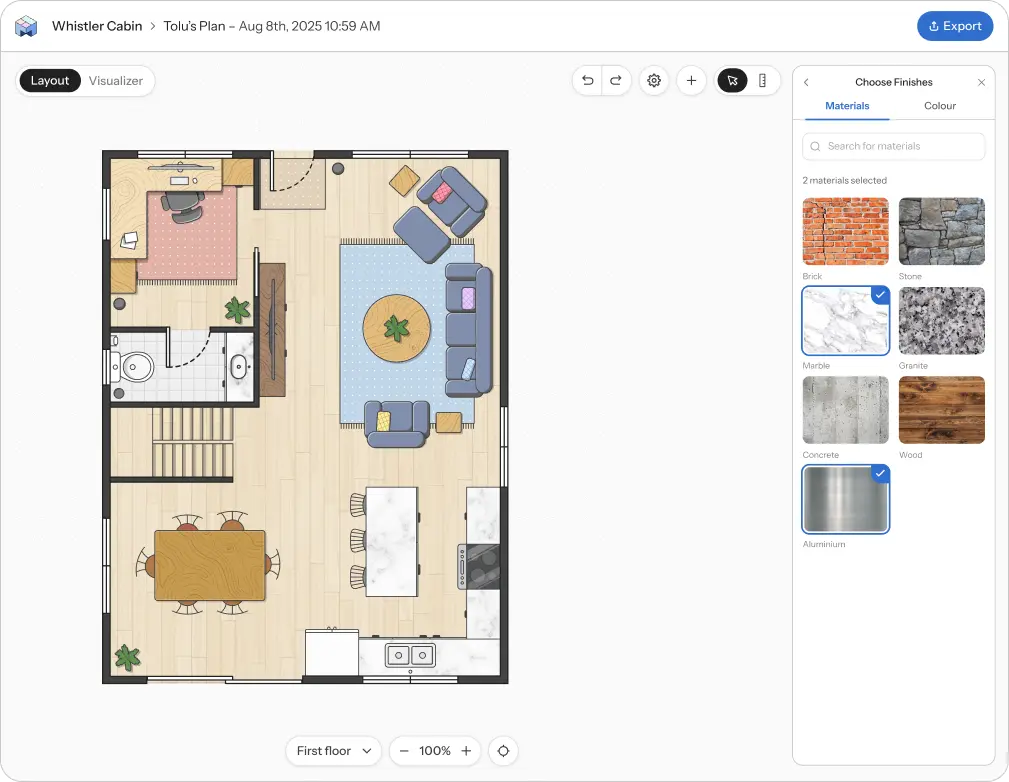
It works as a complete workspace: generate plans, refine them on the canvas, and explore different visual directions—all in one place. Maket 2.0 (the current version) is faster, smarter, and simpler than the original, with over 1 million users already creating plans.
Maket AI Review: Pros and Cons
Here’s a balanced maketai review based on real user feedback and platform capabilities.
Pros • Extremely fast concept generation — multiple floor plans in seconds. • No learning curve — perfect for non-experts. • Built-in 3D visualization and style library for realistic renders. • Editable layouts with accurate dimensions. • Great starting point for architects and builders.
Cons • Credit-based system can limit heavy users on the free tier. • Free plan restricted to single-story only. • Some users want more advanced export options or finer CAD integration. • Occasional generic furniture in renders (common with current AI tools).
Overall, Maket AI shines for quick ideation and early-stage planning.
Maket AI Pricing: Free or Paid?
MaketAI cost is straightforward and credit-based.
- Free plan: 50 one-time credits, single-story generation only, no credit card needed. Enough to test the tool and create a few plans.
- Pro plan: $20 per month for 300 credits (refreshes monthly), multi-story support (up to 4 floors), text-based optimization tools, and access to top-up packs.
- Top-ups: Start at $10 for 150 credits (never expire, available only on Pro).
Credits are used per generation (roughly 20 per floor plan, 10 per render). Monthly credits do not roll over, but top-ups stack and stay even if you cancel Pro
Maket AI Tutorial: How to Use It Step by Step
A quick maketai tutorial to get you started:
- Sign up for free at maket.ai (no card required).
- Start a new project and describe your needs in plain English (rooms, sizes, constraints).
- AI generates multiple floor plan options instantly.
- Pick one and edit walls, doors, furniture directly on the canvas.
- Switch to Visualizer mode to apply styles or upload reference images.
- Render in 3D and export when ready.
The whole process takes minutes, not hours.
Maket AI 3D and Visualization Features
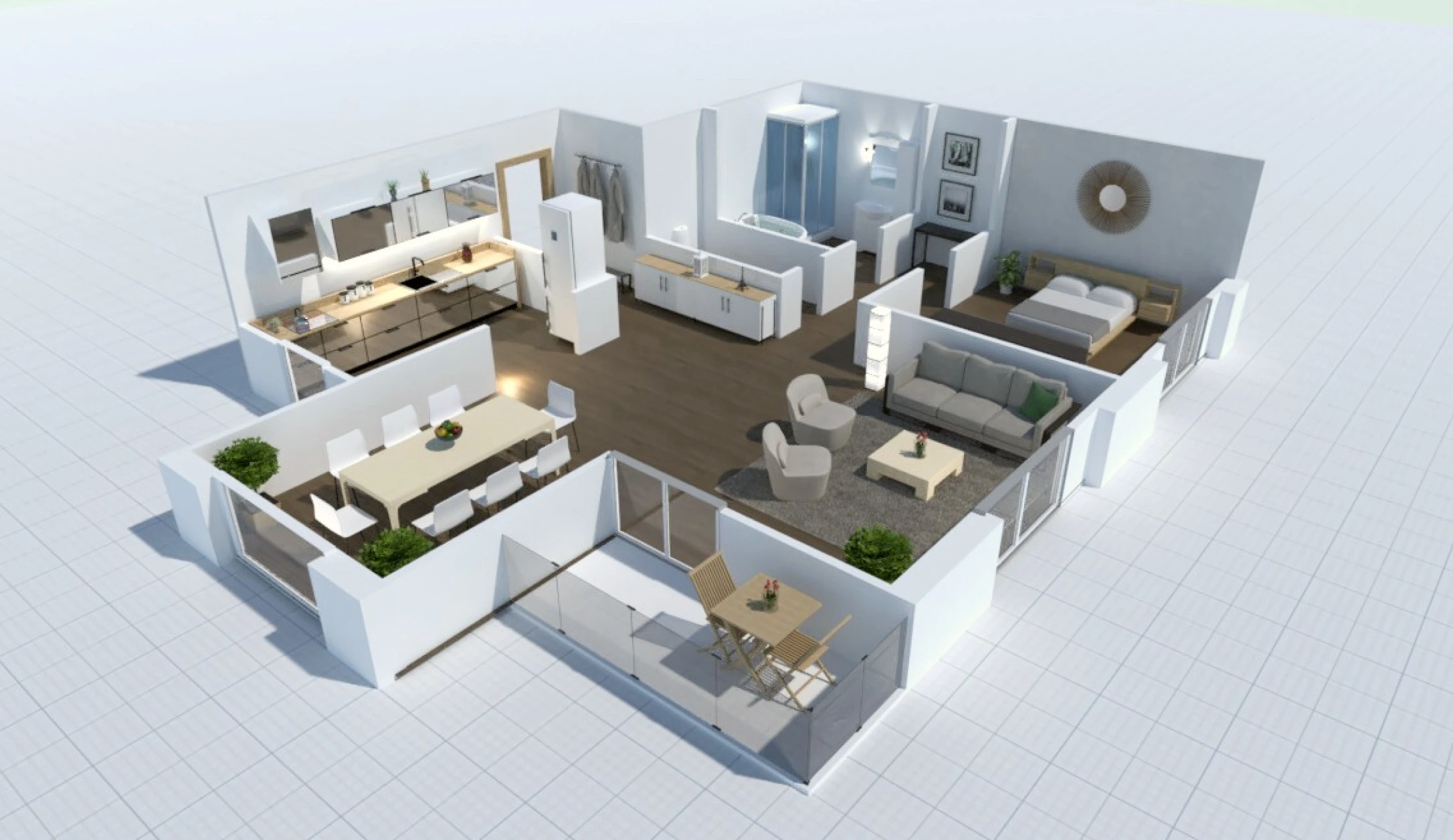
Beyond 2D plans, maket ai 3d lets you instantly turn layouts into realistic 3D views. Choose from a style library (modern, minimalist, industrial, etc.) or use custom images for more control. This helps clients or homeowners visualize the final space before construction starts.
Maket AI for Architects
Maketai for architects is especially useful in the early concept phase. It replaces hours of manual sketching with instant options that respect your constraints and zoning rules. Architects use it to explore dozens of variations quickly, then refine the best ones in traditional CAD/BIM software.
FAQs
Is Maket AI free?
Yes — the free plan gives you 50 credits and single-story generation with no credit card required.
How does Makket AI work?
You type your requirements in plain words; the AI generates accurate, editable residential floor plans in seconds.
What is the Makket AI cost for Pro?
$20 per month for 300 credits, multi-story support, and extra tools.
Can Makket AI create 3D views?
Yes — it includes a built-in visualizer that turns 2D plans into styled 3D renders instantly.
Is Maket AI good for architects?
Yes — it includes a built-in visualizer that turns 2D plans into styled 3D renders instantly.